

Documentation
Issue Templates & Recurring Tasks for JiraBrowse
Documentation
Issue Templates & Recurring Tasks for JiraTemplates
A template is how a kind of work item should start: the bug report with its steps, the onboarding with its checklist. Anyone who can manage templates writes them once; everyone else gets them when they create work.
Creating a template
- Open Apps → Issue Templates & Recurring Tasks for Jira.
- Click New Template.
- Fill in the Details tab:
| Field | What it's for |
|---|---|
| Template name | Required and unique. The form checks it as you type. |
| Category | Optional, to group templates. Pick one or type a new one. |
| Summary | The work item's summary, with variables if you like |
| Status | Active, or Inactive to retire a template without deleting it |
| Description | Rich text, see below |
- Add Additional fields and child items if you need them.
- Set where it applies on the Assignments tab. See Auto-apply.
- Click Create.
A template needs at least a summary or a description.
The description editor
The editor looks like Jira's own: headings, lists, checklists, tables, panels, code, colour, emoji and links. Paste Markdown and it becomes rich text. The { } button inserts variables and questions.
Additional fields
Click a field's chip to add it, and the bin to remove it:
- Labels, Priority, Assignee, Reporter, Due date and Environment
- Due date takes a date or a variable such as
{{date+7d}}; the quick picks under it insert the common ones.
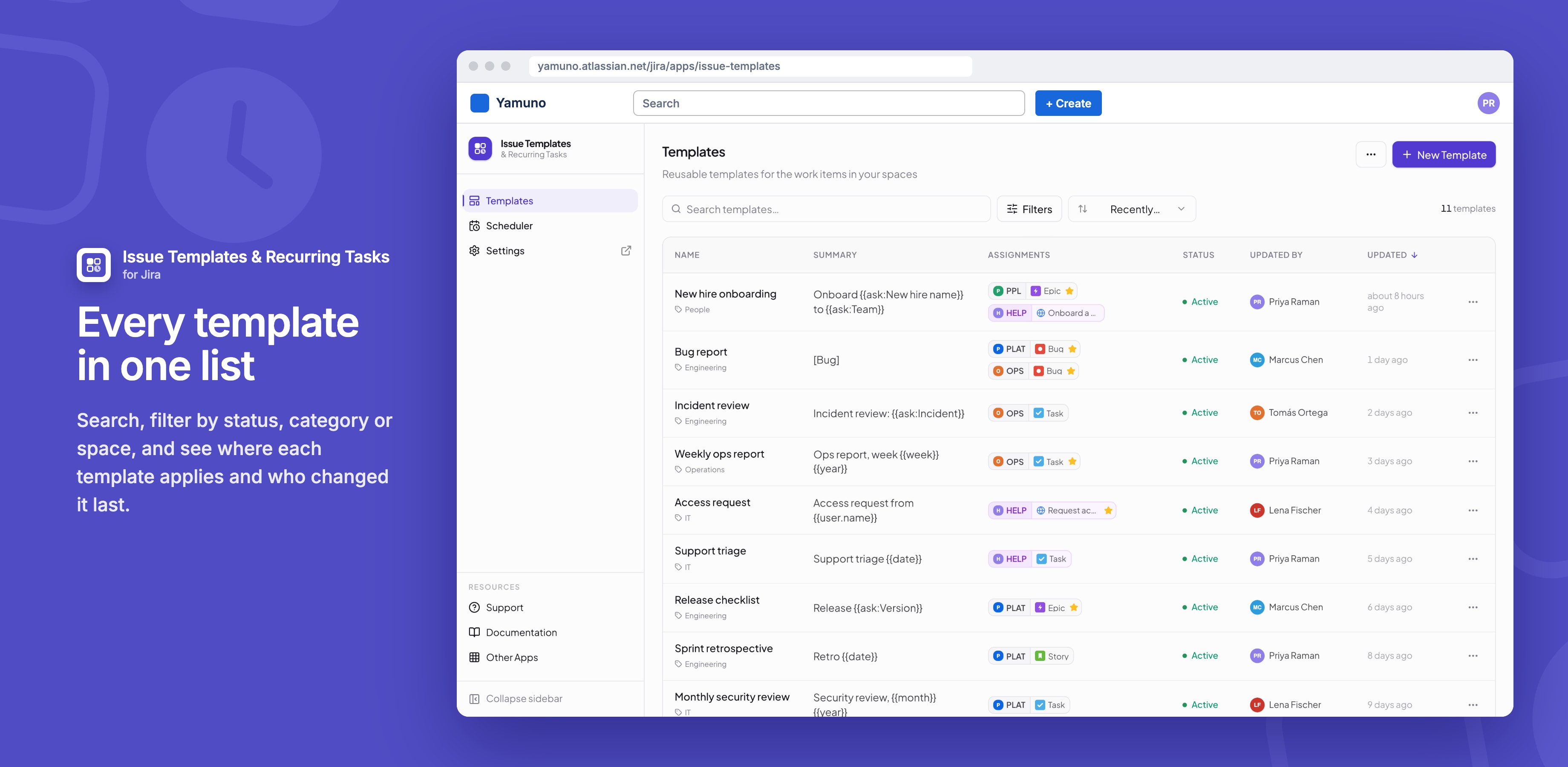
The templates list
- Search by name, and use Filters for status, category and the space a template is assigned to.
- Sort by when templates were updated or created, or by name.
- Click a row for View details.
- Each row's ••• menu: Create work item from template, Schedule this template, View details, Edit, Assignments, Duplicate and Delete.
Good to know
- On a site with no templates, Add starter templates adds Bug Report, Feature Request, Incident Report, Change Request and Service Request.
- You see who else is editing a template, and a banner tells you if someone saves it while you have it open.
- Templates set Jira's standard fields; custom fields aren't supported yet.
- Names are matched exactly, so "Bug Report" and "bug report" are different templates.
Related
Stuck on something this page does not cover? Ask the developers.