

Documentation
Issue Templates & Recurring Tasks for JiraBrowse
Documentation
Issue Templates & Recurring Tasks for JiraChild Items
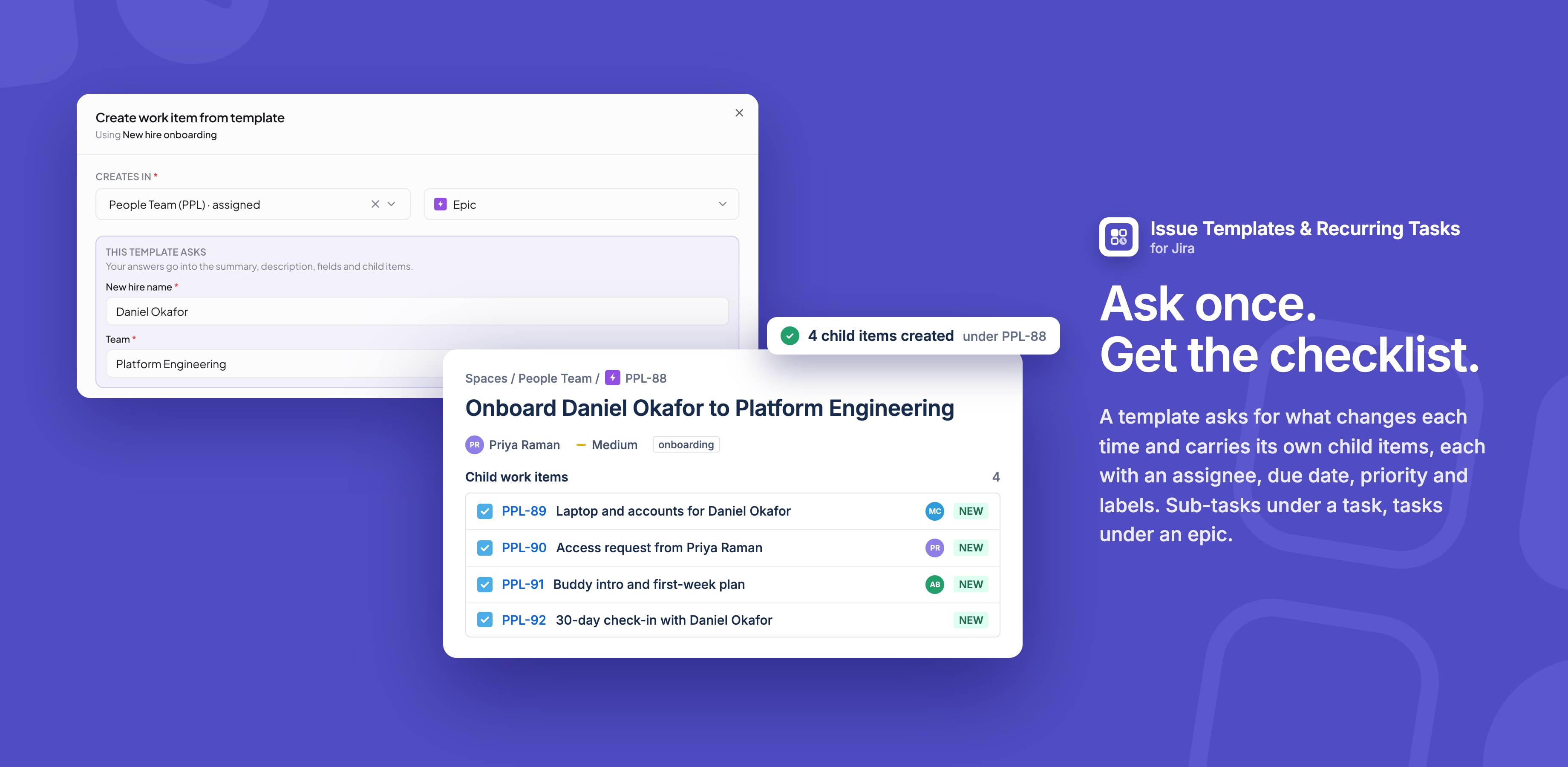
Child items give a template its own checklist of work. An onboarding template, for example, can add a task for each step, each with its own assignee and due date.
Adding child items
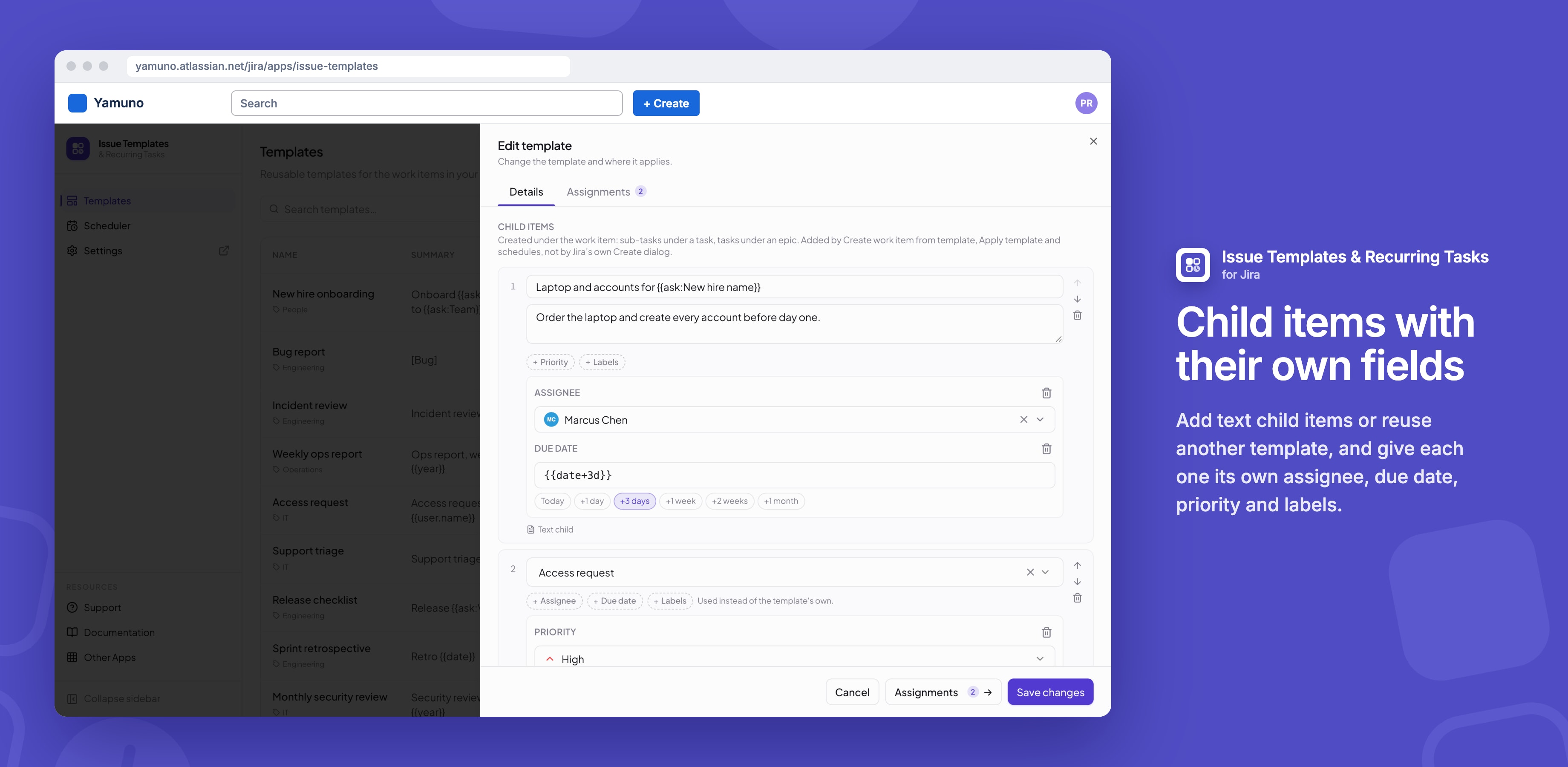
- Open the template and scroll to Child items.
- Click Text child to write a summary and description, or Child from a template to reuse another template.
- Optionally add Assignee, Due date, Priority or Labels to a child.
- Reorder with the arrows, remove with the bin.
On a child from a template, a field set here is used instead of that template's own.
What they become
| Parent | Children are created as |
|---|---|
| Task, story or bug | Sub-tasks |
| Epic | Tasks, with the epic as their parent |
| Sub-task | Not possible: a sub-task can't have children |
When they're created
- Create work item from template, which lists them before you press Create
- Apply template on a work item
- Every run of the Scheduler, including Run now
Good to know
- Jira's own Create dialog can't add work items, so auto-apply fills in the parent only.
- A template can have up to 30 child items.
- Children don't copy the parent's fields; anything they don't set gets the space's default.
- If a space refuses one of a child's fields, the child is created without it and the result says so.
Related
Stuck on something this page does not cover? Ask the developers.