

Documentation
Issue Templates & Recurring Tasks for JiraBrowse
Documentation
Issue Templates & Recurring Tasks for JiraFill-in Questions
Some things change every time: the customer, the release, the start date. A fill-in question asks the person creating the work, and puts the answer everywhere it's needed.
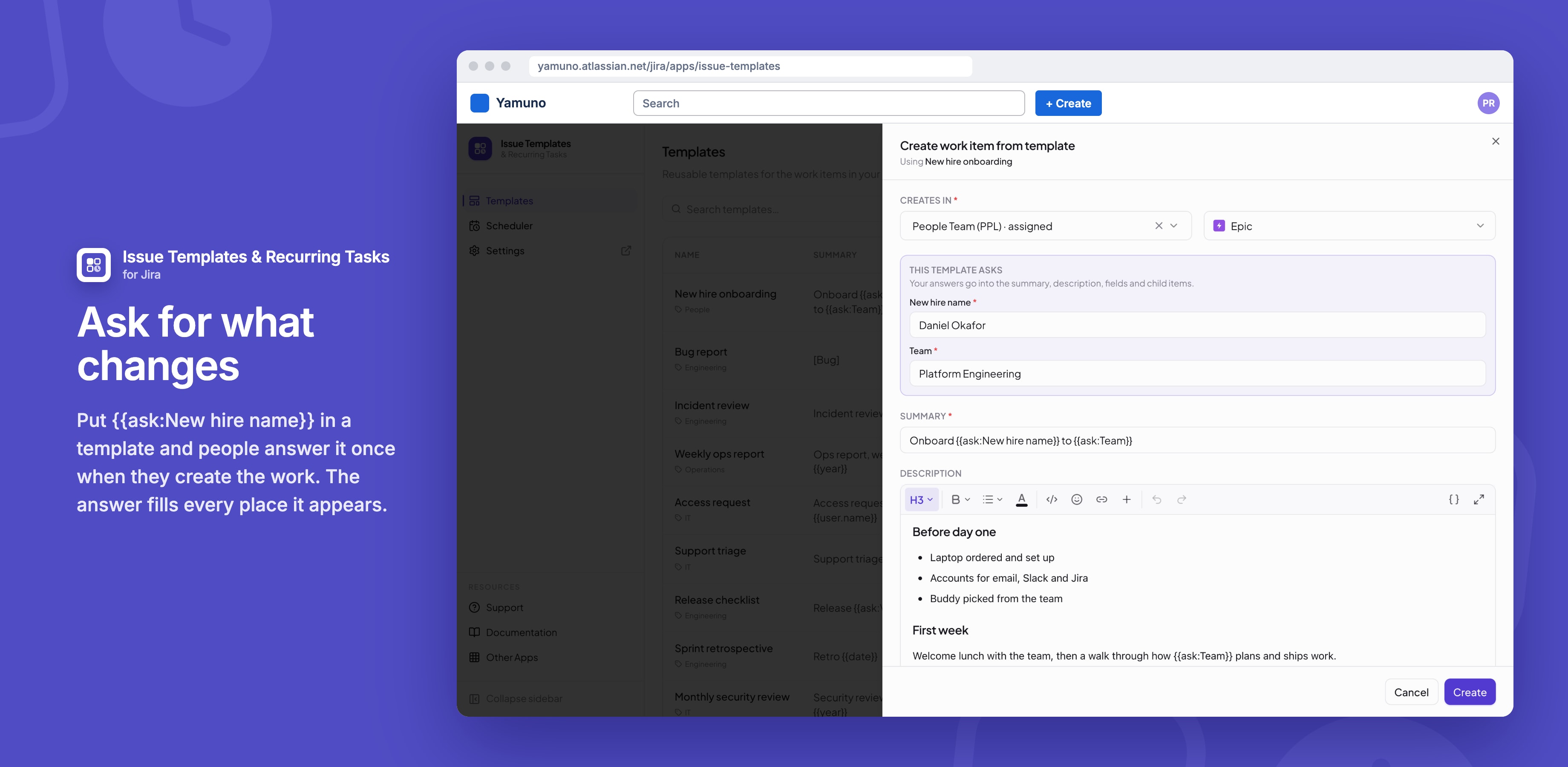
Adding a question
- In a template, click { } and choose Fill-in question, or type
{{ask:Customer name}}. - Use the same question wherever the answer belongs: the summary, the description, a child item.
The text after ask: is the question. The same question in several places is asked once.
Where it's asked
| Where the work is created | What happens |
|---|---|
| Create work item from template | A "This template asks" box comes first, and Create waits for every answer |
| Apply template on a work item | The questions show in the template's row, and nothing changes until you choose Apply with these answers |
| A schedule | Answered once in the schedule form, and used by every run. A blank answer stays blank. |
| Jira's Create dialog and the portal | Nobody can be asked there, so the question shows as [Customer name] to replace by hand |
Good to know
- Answers go in as plain text, so
<and&appear as typed.
Related
Stuck on something this page does not cover? Ask the developers.