

Documentation
Issue Templates & Recurring Tasks for JiraBrowse
Documentation
Issue Templates & Recurring Tasks for JiraFeatures
An overview of what Issue Templates & Recurring Tasks for Jira can do, with a link to each page.
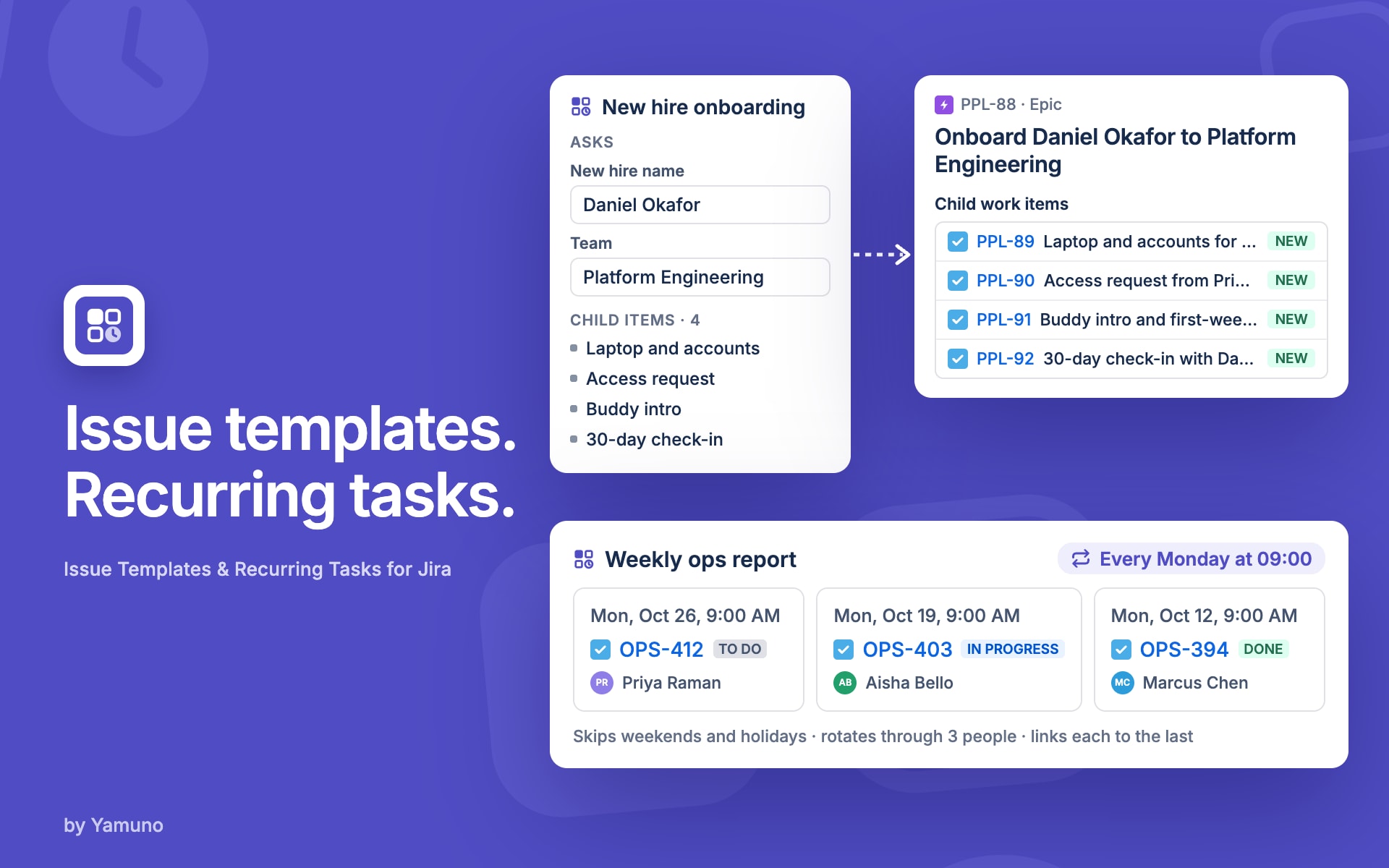
Templates
Write a work item's summary, description and fields once, in an editor that looks like Jira's, and reuse it.
Auto-apply
Assign a template to a space and work type, or a service portal request type, and it fills in by itself.
Variables
{{date+7d}}, {{user.name}} and {{project.key}} fill in when the work item is created.
Fill-in questions
{{ask:Customer name}} asks the person creating the work, once, wherever it appears.
Child items
Templates with sub-tasks: a checklist of work created under the new work item, each with its own fields.
Creating work
Create a work item from a template, apply a template to one that exists, or save a good one as a template.
Scheduler
Recurring tasks in Jira: a work item from a template every day, week or month, in your time zone.
→ Scheduler and Schedule options
Import and export
Pick templates to move to another Jira site, with assignments matched there.
Stuck on something this page does not cover? Ask the developers.