


.png&w=64&q=75)
 for ConfluenceRuns on Atlassian
Markdown Exporter for Confluence
Export Confluence pages, page trees and spaces to clean Markdown files
Free app that exports Confluence pages, page trees or spaces to Markdown, with YAML front matter, Obsidian wikilinks, attachments and a REST API.
What Markdown Exporter for Confluence does
Page Tree Export
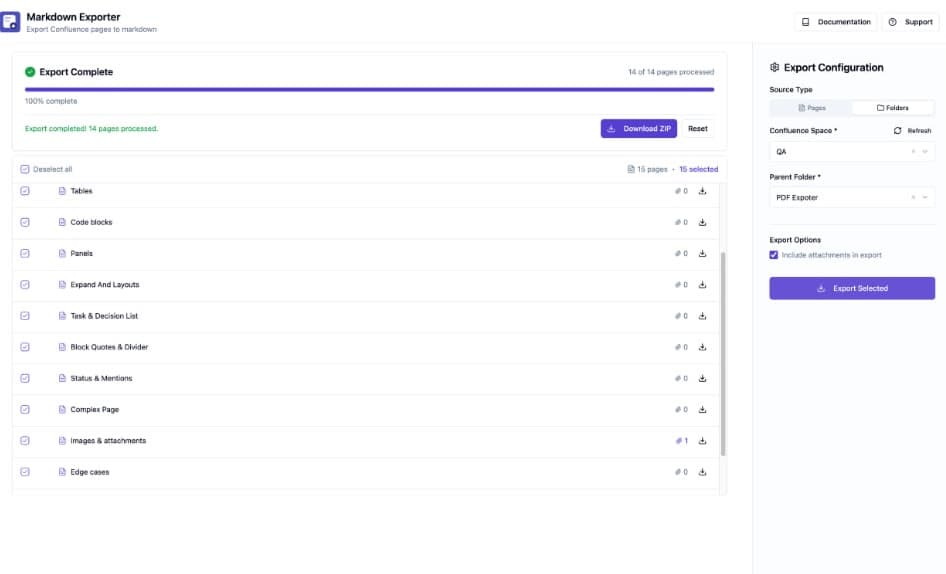
Pick pages, subtrees or a whole space with checkboxes in the page tree and export them as a structured ZIP
YAML Front Matter
Optional front matter with title, author, date, space and page ID, each toggled on or off, plus custom fields
In-Tree Search
Filter the page tree by title, with matches highlighted
Filename Patterns
Name files with {title}, {date} and {id} tokens and see each generated filename in the tree as you type
Markdown Preview
Preview the Markdown of any page before exporting
Obsidian Mode and Callouts
Convert internal page links to [[wikilinks]] and render panels as callouts, blockquotes or plain text
REST API
Export a single page or a whole page tree or space over HTTP with OAuth 2.0 (3LO), using the singleExport and bulkExport endpoints
Forge-Powered
Runs on Atlassian, so your content never leaves Atlassian. Admins get an export history log
What changes for your team
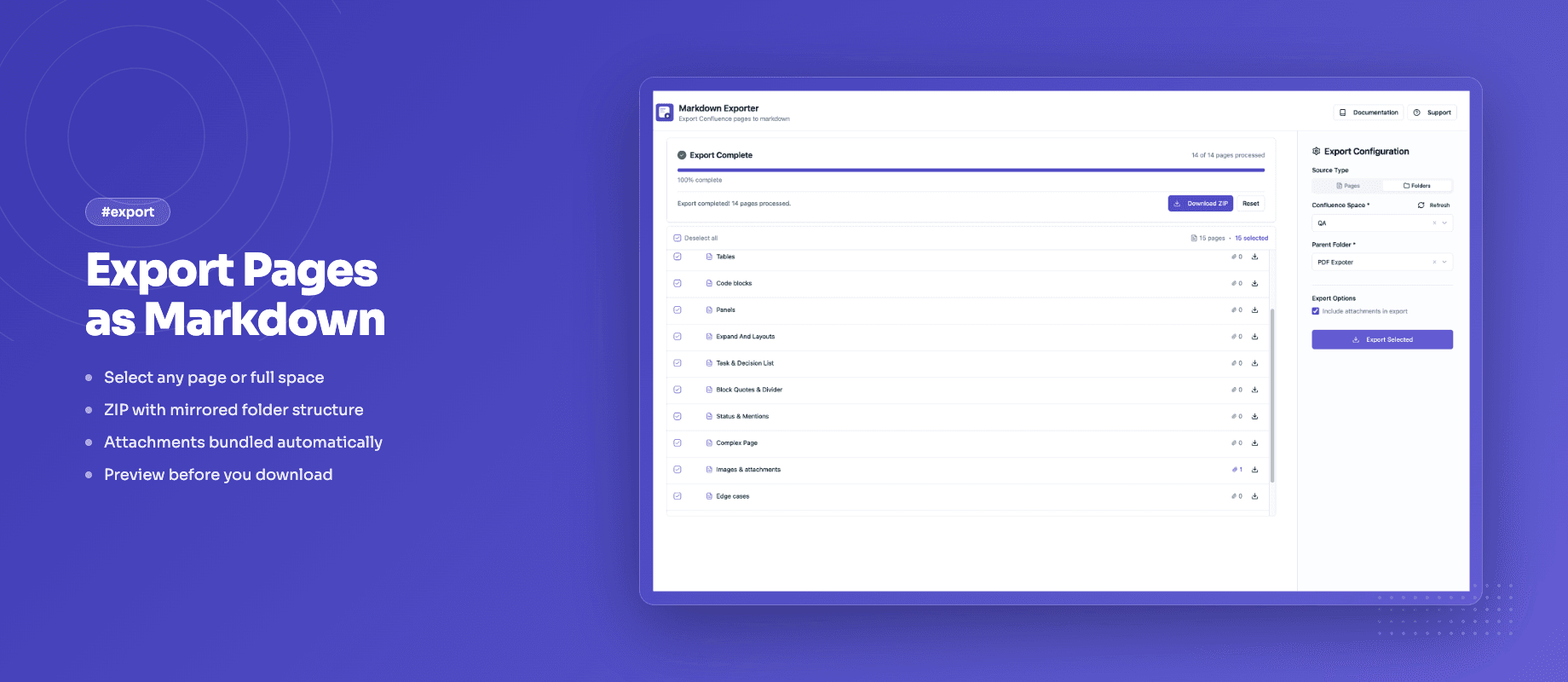
- Tick the pages you want in the page tree and click Export Selected to get a ZIP that mirrors your page hierarchy
- YAML front matter with built-in fields you can switch on or off, plus your own key-value pairs
- Obsidian mode turns internal page links into [[Page Title]] wikilinks
- Filename patterns with {title} (slugified page title), {date} (last-edited date) and {id} tokens
- Confluence info, note and warning panels become GitHub and Obsidian callouts by default
- Preview any page's Markdown before you export it
- A REST API with OAuth 2.0 (3LO) for exports from scripts and CI pipelines
Questionsabout Markdown Exporter for ConfluenceAsk us something else
Install Markdown Exporter for Confluence on your site.
It runs on Forge, so it installs from the Marketplace and your content stays inside your own instance.