

What changes after the migration
- Pages
HTML and HTML Include macros show “Error loading the extension!”.
They render their original content again, with their original settings.
- Editing
Legacy macros show as Unknown macro in the editor.
One click on the page, or a space-wide run, turns them into editable macros.
- Other apps
HTML and math macros from other apps have to be rebuilt by hand.
Migration tools convert Appfire, Narva, Macro Toolbox and Plugin People macros.
- Safety
Bulk edits feel risky on pages people depend on.
Every converted page gets a new version, so any change can be undone.
How the migration works
Rendering comes first and needs no setup. Converting is a second, deliberate step.
Install, and the pages render again
HTML Macro+ picks up legacy HTML, Macro Toolbox HTML and HTML Include macros on migrated pages. HTML Include only needs its domains on the whitelist.
 HTML Macro+ for Confluence
Convert one page from the page itself
Anyone who can edit the page hovers the macro and clicks Migrate to enable editing, for one macro or every macro on the page.
Convert a whole space
Site admins pick the source app and space in the Migrate tab, preview the changes as a dry run, then migrate the selected pages.
Switch your math app too
LaTeX Math for Confluence has its own migration tool for equations from The Plugin People, Appfire and Narva.
 LaTeX Math for Confluence
The apps
Each one installs on its own from the Atlassian Marketplace and runs on Atlassian Forge.
 HTML Macro+ for Confluence
Renders legacy HTML macros and converts them in bulk
 LaTeX Math for Confluence
Migrates equations from other LaTeX apps
 Markdown Importer for Confluence Cloud
Imports docs kept as Markdown files
Confluence Cloud on its own, and with the apps
| Need | Confluence on its own | With the apps |
|---|---|---|
| Legacy HTML macro | “Error loading the extension!” | Renders the original HTML |
| HTML Include | Not available in Cloud | Renders pages from whitelisted domains |
| Edit a migrated macro | Unknown macro in the editor | Convert to an editable macro |
| Convert a whole space | Not built in | Migrate tab with a dry-run preview |
| Undo | Page history | Page history: every conversion is a new version |
Questions
Why do my migrated pages say “Error loading the extension!”?
The page still contains a Server or Data Center macro, such as the HTML macro, that has no Cloud equivalent. With HTML Macro+ installed, the HTML, Macro Toolbox HTML and HTML Include macros render again without any changes to the page.
Do I have to convert the macros?
Only to edit them. Legacy macros render as they are, but the Cloud editor cannot open them. Converting turns each one into an HTML Macro+ macro that looks the same and opens in the editor.
Can I convert a whole space at once?
Yes. Site administrators use the Migrate tab in the app settings: choose the source app and the space, preview the changes, then migrate the selected pages.
Which other apps can we migrate from?
HTML macros from Appfire, Narva HTML Tools and Macro Toolbox for Cloud, plus any other macro by its key. For equations, LaTeX Math for Confluence migrates from The Plugin People, Appfire and Narva.
Can a migration be undone?
Yes. Every converted page is saved as a new version, so the previous version can be restored from page history.
What gets skipped?
Pages with unpublished edits are skipped until the draft is published or discarded, and a macro whose body holds Confluence-specific content, such as page links or other macros, is left as it is so nothing is lost.
From the blog

5 Ways to Use HTML in Confluence Cloud (With Examples)
Confluence Cloud has no built-in HTML macro. Five practical ways teams still use HTML, CSS and JavaScript in Cloud pages, with copy-paste examples.
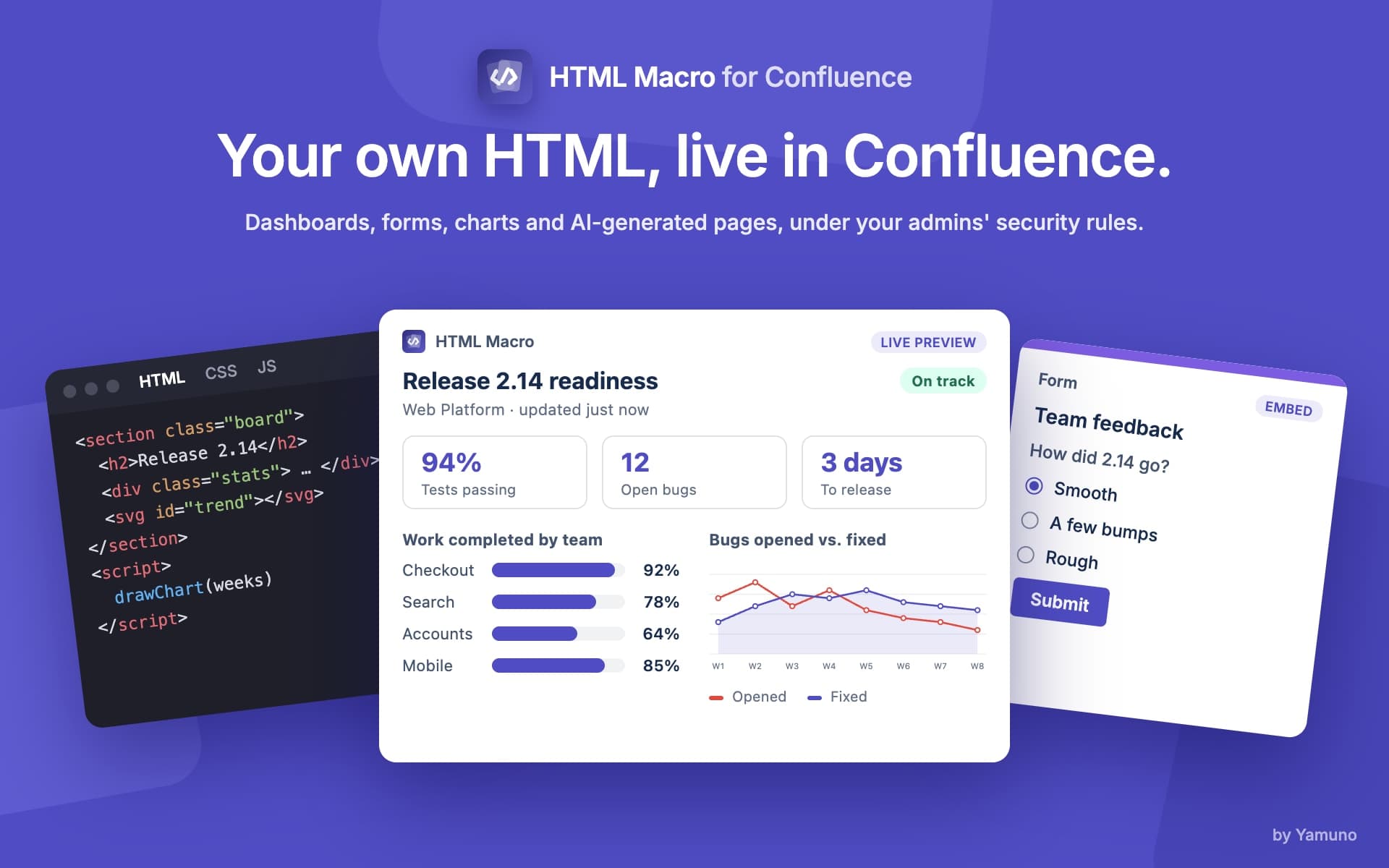
Confluence HTML Macro for Cloud: Embed HTML, CSS & JS
Confluence Cloud has no built-in HTML macro. HTML Macro+ adds one: embed HTML, CSS and JavaScript in any page, with live preview and CSP security.
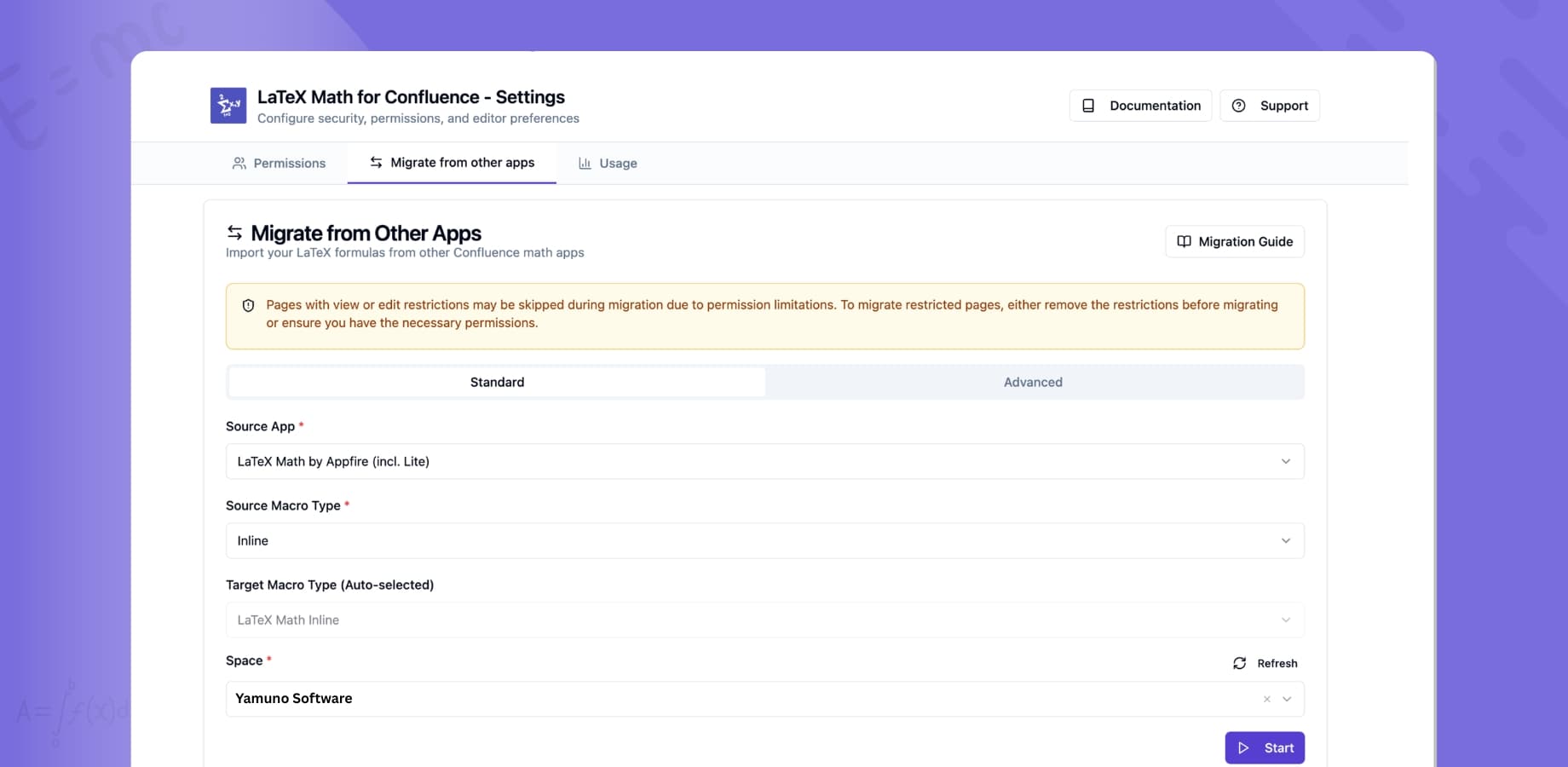
Switching LaTeX Math Apps in Confluence: Migration Guide
LaTeX Math for Confluence includes a migration tool that finds pages using another math app and converts their equations, with page history as a safety net.