

Documentation
Markdown Importer for Confluence CloudBrowse
Documentation
Markdown Importer for Confluence CloudGetting Started
Welcome to Markdown Exporter & Importer for Confluence! This guide will help you get started with importing markdown files to Confluence and exporting Confluence pages to markdown.
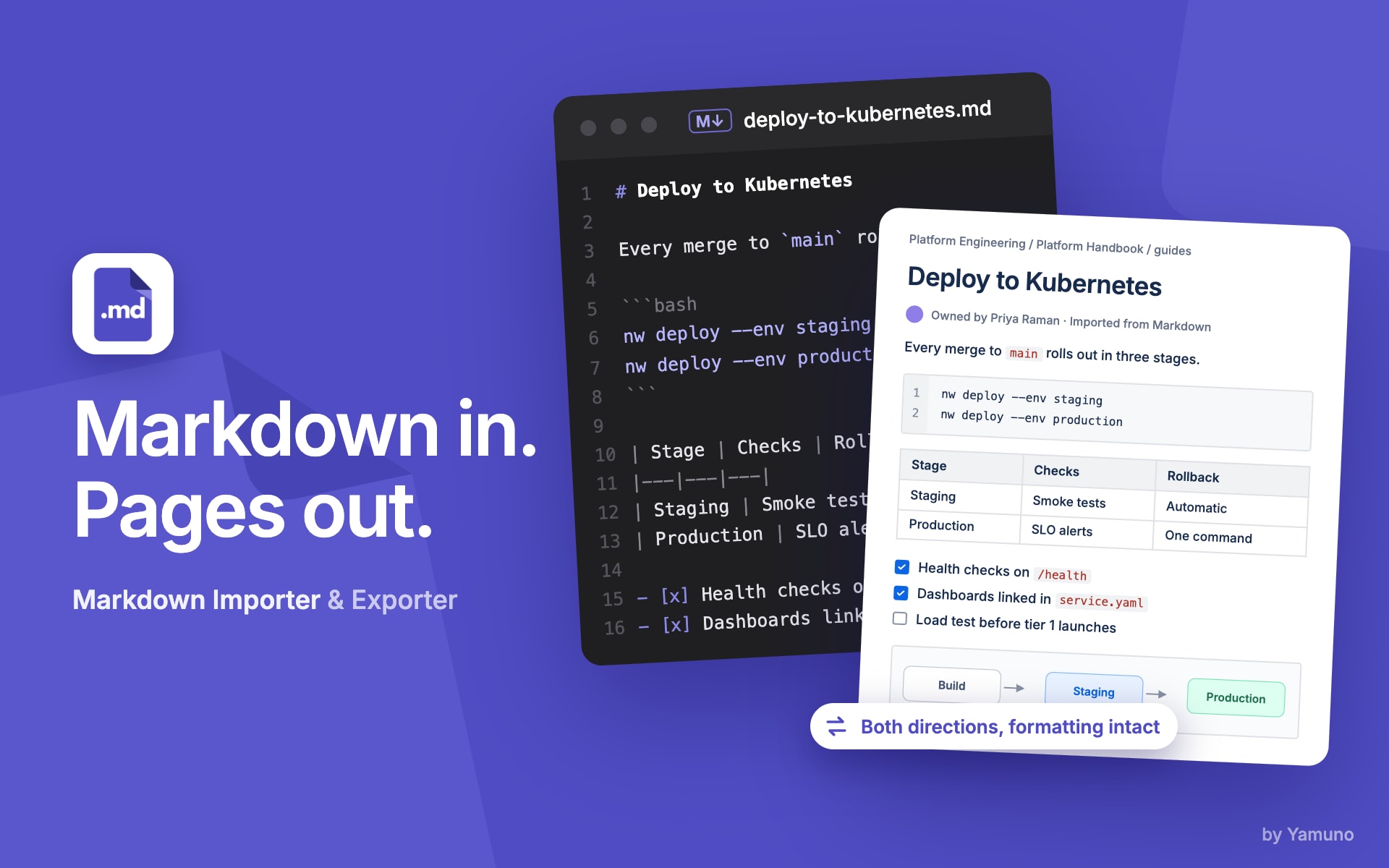
Quick Overview
Markdown Exporter & Importer for Confluence allows you to:
Import Features:
- Import markdown files directly into Confluence (single, multiple, or ZIP)
- Preserve file hierarchy as a Confluence page tree
- Handle local images and attachments automatically
- Support full markdown syntax including code blocks, tables, and task lists
- Perform unlimited bulk imports
- Access from page level or globally (including space-wide imports)
Export Features:
- Export Confluence pages to markdown format
- Export single pages or entire page trees
- Export complete Confluence spaces
- Download all attachments locally with proper references
- Preserve page hierarchy in folder structure
- Get organized ZIP files with all content
Documentation Structure
- Quick Start Guide: Detailed step-by-step guide for your first import
- Features & How To: Comprehensive guide to all features
- Known Issues: Current limitations and workarounds
- Release Notes: Latest updates and changes
Getting Help
If you need assistance:
- Visit our support page
- Contact our support team at [email protected]
Guides for Markdown Importer for Confluence Cloud
Stuck on something this page does not cover? Ask the developers.