


.png&w=64&q=75)
.png&w=96&q=75) for ConfluenceRuns on Atlassian
for ConfluenceRuns on AtlassianPDF Exporter for Confluence
Export Confluence pages to professionally formatted PDFs
Export single pages, hierarchies, or entire spaces to polished PDFs. Customize cover pages, headers, footers, watermarks, and table of contents using reusable templates — all running securely on Atlassian Forge.
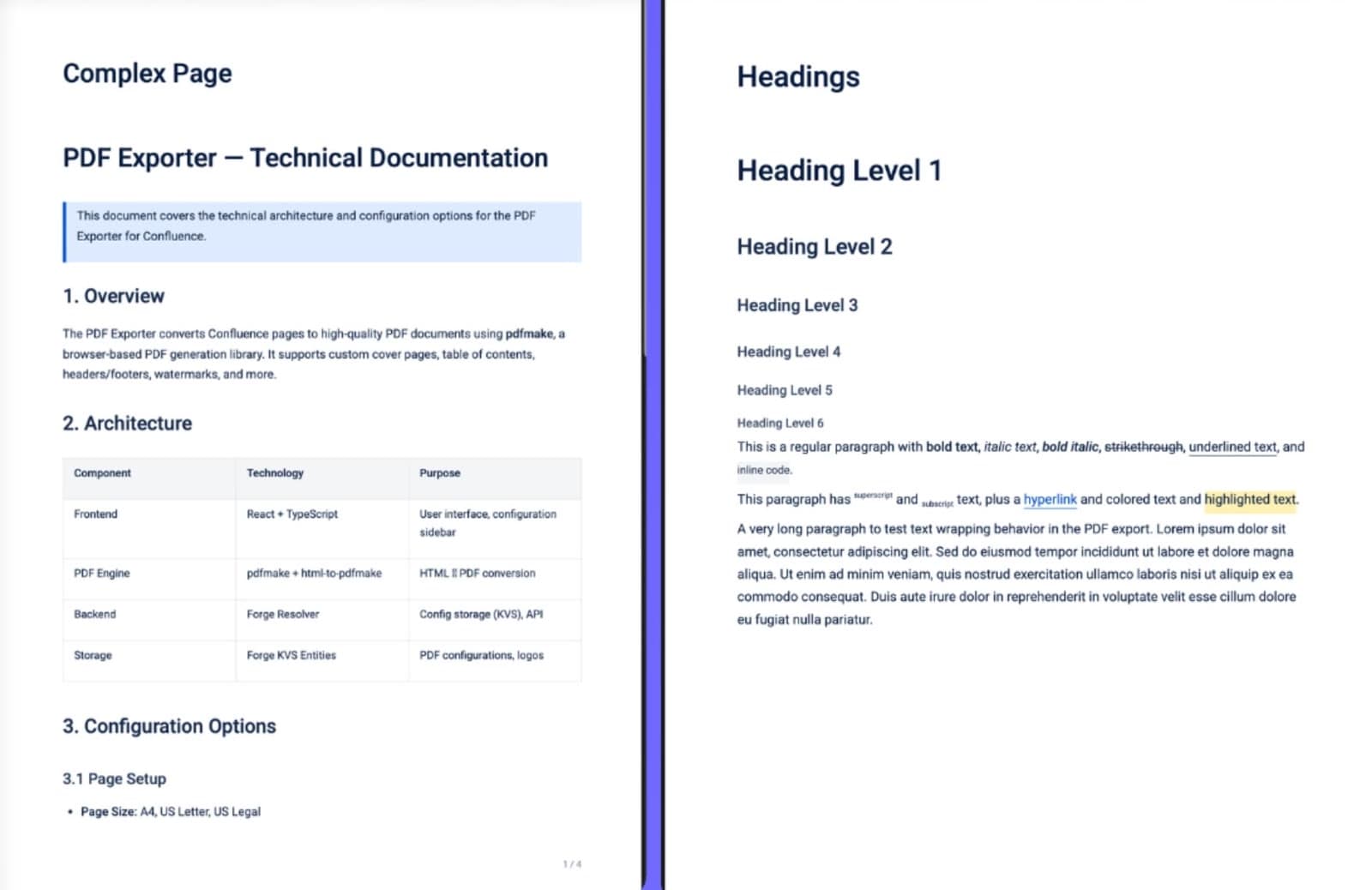
What PDF Exporter for Confluence does
Single & Bulk Export
Export one page or an entire hierarchy in a single action
Reusable Templates
Admin-managed templates define fonts, layout, and branding for every export
Cover Page
Six professional cover styles with accent color, logo, and author fields
Table of Contents
Auto-generated TOC from page headings with configurable depth
Headers, Footers & Watermarks
Add custom text, page numbers, and watermarks to every page
ZIP Download
Multi-page exports bundled into a single ZIP for easy sharing
Forge-Powered
Runs entirely on Atlassian infrastructure — no external servers
What changes for your team
- Export single pages, full hierarchies, or entire spaces with one click
- Six built-in cover page styles with accent color, logo, author, and subtitle customization
- Reusable templates let admins define export standards for the whole team
- Automatic table of contents generated from page headings
- Custom headers, footers, watermarks, and page numbers per template
- Runs entirely on Atlassian Forge — no external servers, no data leaving Atlassian
- Multi-page exports automatically packaged into a ZIP download

Questionsabout PDF Exporter for ConfluenceAsk us something else
Install PDF Exporter for Confluence on your site.
It runs on Forge, so it installs from the Marketplace and your content stays inside your own instance.