.png&w=48&q=75)
How to Export Confluence to PDF
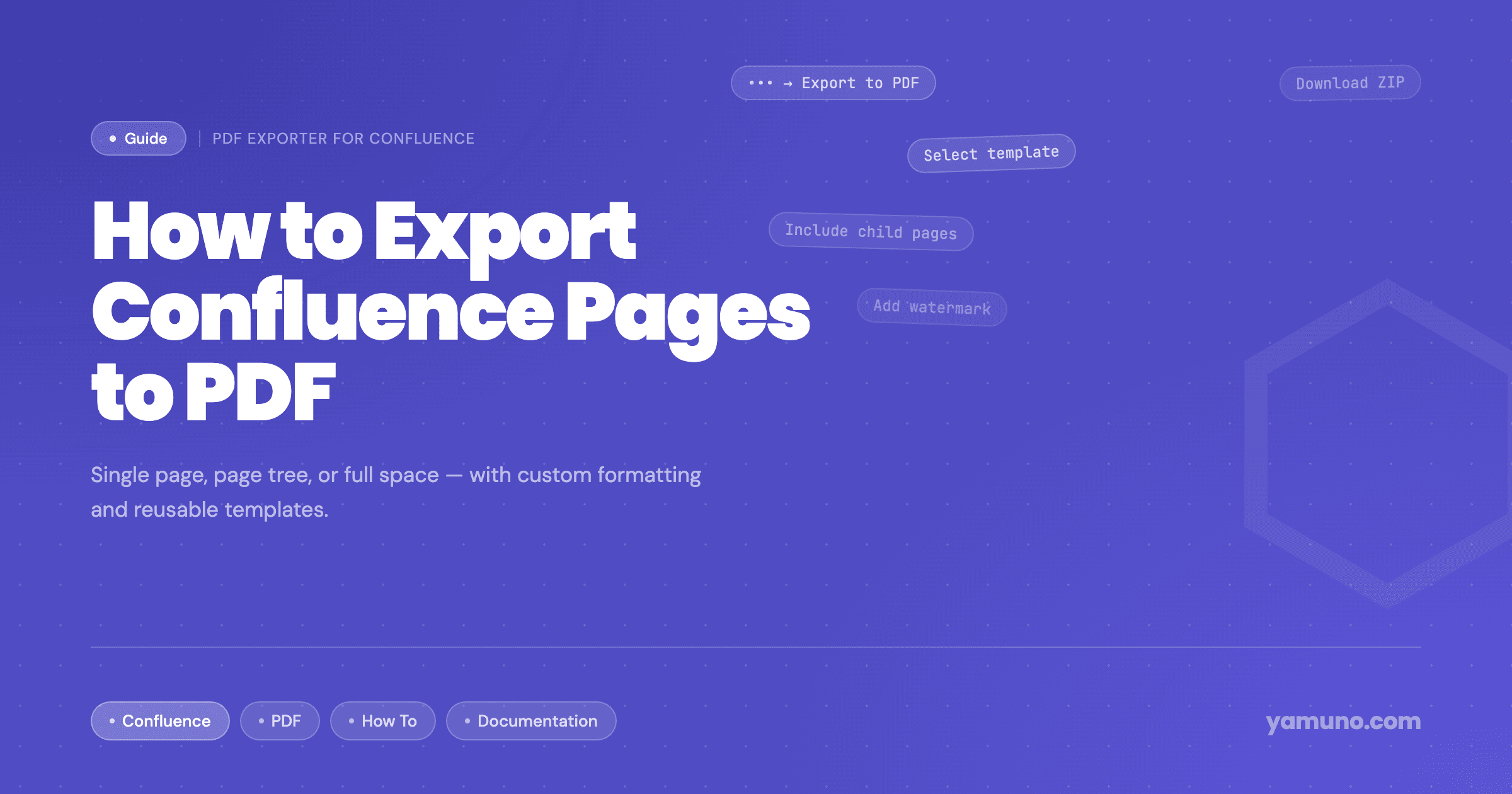
Short answer: To export one Confluence Cloud page to PDF, open the page, click •••, then Export and Export to PDF. To export several pages, a space admin uses Space settings → General → Export space → PDF. If people who aren't space admins need page trees, one merged PDF, or reusable templates with a cover page and watermark, use an app such as PDF Exporter for Confluence.
There are two ways to export Confluence Cloud content to PDF: the export built into Confluence, and an app such as PDF Exporter for Confluence. This guide covers both, starting with what Confluence does on its own, so you can decide which one fits the job.
Exporting to PDF with Confluence's Built-In Export
A single page
- Open the page
- Click ••• (More actions)
- Hover over Export and select Export to PDF
Only the published version of the page is exported. Your space's PDF stylesheet applies, but layout customizations (title page, header and footer) do not apply to single-page exports.
A space, or selected pages from it
Space admins can export a space to one PDF:
- Next to the space name, click ••• and open Space settings
- In General, select Export space
- Select PDF
- Export all the content you can view, or choose specific pages
- Select Export space
The result is a single downloadable PDF. Blog posts and comments are not included.
Customizing the built-in export
Site and space admins can edit the HTML for the title page, header and footer, and the CSS in the PDF stylesheet. Page numbers are added with CSS counters. These customizations only apply to space exports, and Atlassian notes that its support for custom HTML and CSS is limited. Atlassian's guide to exporting a space to PDF and customizing PDF exports has the details.
For an occasional single page, the built-in export is all you need. Where it gets harder (multi-page exports for people who aren't space admins, formats you set up with code, one layout per space) is covered in What Confluence's Built-In PDF Export Can't Do.
Exporting to PDF with PDF Exporter for Confluence
PDF Exporter for Confluence runs on Atlassian Forge. Anyone who can view a page can export it, and formatting comes from templates that an admin sets up once.
There are three ways to open it:
- Click Export to PDF under the page title
- Open the ••• (More actions) menu on a page and select Export to PDF
- Open Apps in the Confluence global navigation and select PDF Exporter for Confluence
Option 1: Export a single page
Best for a spec, a runbook, a proposal or a one-page summary.
- Open the page and click Export to PDF under the page title
- For a page without child pages, a compact dialog opens with a live preview of the actual PDF
- Choose a template from the dropdown. The preview re-renders when you switch templates.
- Click Export to download the PDF
Option 2: Export a page tree
Best for product documentation, a project wiki or a client handover package.
- Open the exporter from the parent page (a page with children opens the full exporter) or from the Apps menu
- The exporter shows the page tree for the current space. Tick the parent page; its child pages are included automatically.
- Expand the tree and untick any pages you want to leave out. Use the search bar to find pages by title.
- Choose a template from the dropdown
- Choose the Output: One merged PDF or Separate PDFs (ZIP)
- Click Export
Option 3: Export a whole space
Best for complete documentation sets, handovers and archives.
- Open Apps → PDF Exporter for Confluence from a page in the space
- Tick the pages at the top of the page tree so every page beneath them is included, and untick anything you want to leave out
- Choose a template and an output
- Click Export
There is no fixed page limit. Very large exports, such as hundreds of pages with many images, take longer because of Confluence API rate limits.
Merged PDF or ZIP?
When you export more than one page, you choose the output:
- One merged PDF puts every selected page into one document, with one table of contents, continuous page numbers, and links between exported pages that jump to the right place in the PDF. This is usually what a client or auditor wants.
- Separate PDFs (ZIP) gives you one PDF per page in a single ZIP file. The PDFs sit side by side at the top level of the ZIP rather than in nested folders. This suits archives and cases where each page is filed separately.
Pages are exported in their page tree order. An empty parent page is exported as a page with just its title.
Setting Up Export Templates (Admins)
Templates let an admin define a format once. Users then pick it from the template dropdown when they export. Three templates are set up on install: Default (page numbers), Report (cover page, table of contents and page breaks before H1) and Minimal (content only).
To create your own, go to Confluence Settings → PDF Exporter and click New Template. A template covers:
- Page setup: A4, Letter or Legal; portrait or landscape; small, medium or large font size
- Cover page: one of nine designs or a custom cover built in the drag-and-drop designer. See how to add a cover page.
- Header and footer: one line of text each, each with its own position (left, center or right)
- Page numbers:
1,1 / 10orPage 1 of 10, positioned left, center or right - Watermark: text such as DRAFT or CONFIDENTIAL, with adjustable opacity
- Table of contents: one, two or three heading levels
- Page breaks before H1 or H2 headings, and PDF bookmarks
- Styling for headings, body text, links, tables and code blocks
Text fields accept the variables {title}, {date}, {year} and {lastEditedBy}, so a footer can read {title} · Exported {date} without anyone editing it. The step-by-step setup is in How to Create Custom PDF Templates in Confluence.
What the PDF Keeps
- Code blocks with syntax highlighting and a title or language label
- Tables that use Confluence column widths, including rows taller than a page
- Images at their authored or natural size, and coloured text
- Task lists as checkboxes and emoticons as emoji
- Embeds as a linked note rather than a blank gap
- Non-Latin scripts, including Chinese, Japanese, Korean, Indic scripts and right-to-left languages
Images hosted on external servers can fail to load if those servers block requests or need a login. Images uploaded as Confluence attachments export reliably.
Common Use Cases
- Client documentation: a branded cover, a clean header and a merged PDF of the handover section. See Exporting Confluence Documentation for Clients.
- Compliance: watermarked, consistently formatted policy exports. See Confluence PDF Export for Compliance Teams.
- Stakeholder reports: status pages and retrospectives as PDFs for readers without Confluence access.
Tips
Check one page first. Before a large export, preview a single page to confirm the template looks right.
Keep one template per document type, for example "Client Docs", "Internal Report" and "Compliance Archive", so nobody has to think about formatting.
Need Markdown too? Use PDF Exporter for documents you share, and Markdown Exporter for Git-friendly copies. See how to export Confluence to Markdown.
Getting Started
Install PDF Exporter for Confluence from the Atlassian Marketplace. The full documentation covers every setting.
Questions? Reach out via our support portal.
.png&w=96&q=75)