
Markdown Macro+ for Confluence Cloud
Write Markdown on the left and see the live preview on the right
Write Markdown in Confluence with a split editor and live preview. Supports GitHub-flavoured Markdown, KaTeX math, code highlighting and attachments.
Why Confluence needs a Markdown macro
Confluence's editor understands a few Markdown shortcuts as you type, but a pasted Markdown document loses its tables, fenced code blocks and structure. Teams who write in Markdown end up reformatting everything or keeping two copies.
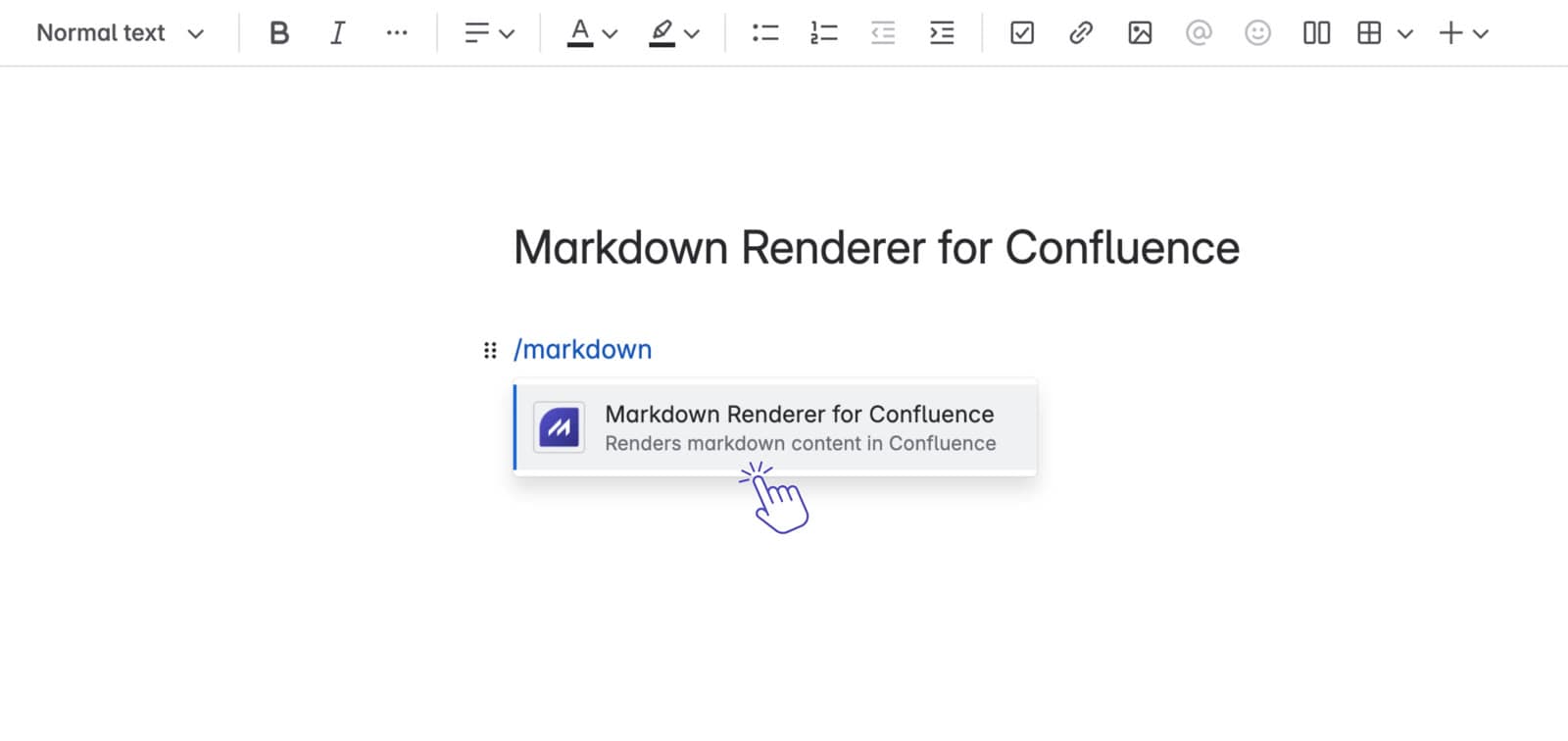
Markdown Macro+ adds a macro where you write Markdown on the left and see the rendered result on the right. Save, and the page shows the formatted content, while the Markdown source stays editable inside the macro.
For whole pages there is Edit with Markdown: open any page or blog post as Markdown, edit it beside a preview of the page, and publish it as native Confluence content. It can also start a new child page from Markdown.
What Markdown Macro+ for Confluence does
Split Editor with Live Preview
Write Markdown in the left pane and watch the preview update on the right as you type
GitHub-Flavoured Markdown
Tables, task lists and strikethrough on top of standard Markdown
KaTeX Math Support
Render inline math with $...$ and block math with $$...$$
Code Highlighting
Syntax highlighting for fenced code blocks in many languages
Emoji Support
GitHub-style emoji in your Markdown
Reusable Templates
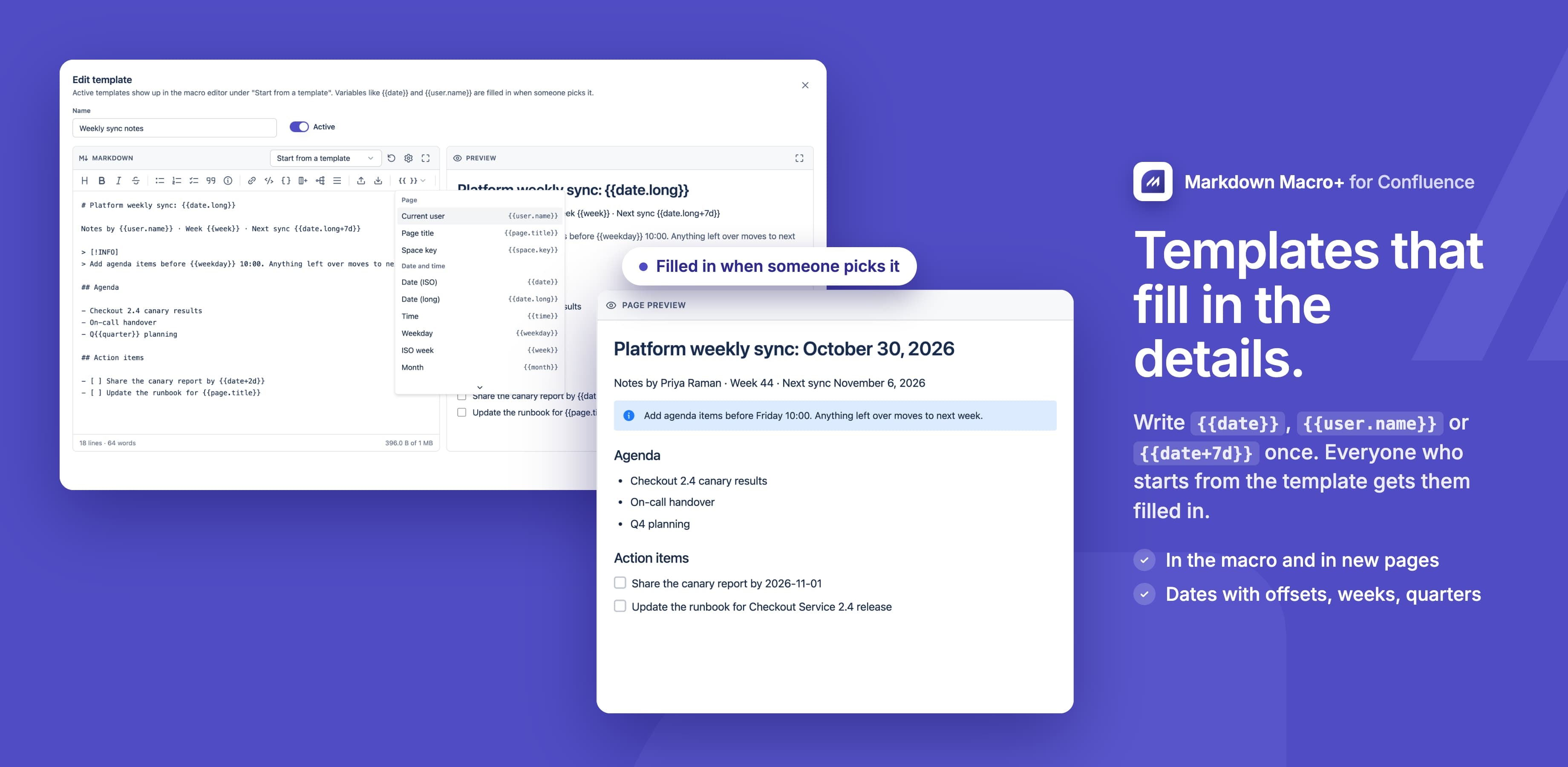
Admins create Markdown templates with variables like {{date}} and {{user.name}} that fill in when picked
Edit with Markdown
Edit a whole page or blog post as Markdown and publish it as native Confluence content
New Page from Markdown
Write a new child page in Markdown, then publish it or save a draft
What teams build with Markdown Macro+ for Confluence
Runbooks and READMEs
Paste Markdown from a repository and keep it readable in Confluence.
See howAPI reference tables
Pipe tables for endpoints and parameters, quicker than the table editor.
See howDeveloper wiki pages
Code blocks and task lists in the format engineers already write.
See howNotes with math
Short formulas with $...$ inside a Markdown page.
See howDiagrams in docs
Flowcharts and sequence diagrams written as Mermaid text, next to the rest of the page.
See how
What changes for your team
- Write in Markdown and watch the preview update as you type
- Edit a whole page or blog post as Markdown and publish native Confluence content
- Write a new child page in Markdown, with drafts and version notes
- GitHub-flavoured Markdown: tables, task lists and strikethrough
- Inline and block math, rendered with KaTeX
- Mermaid diagrams for flowcharts, sequences and architecture
- Syntax highlighting for fenced code blocks
- Insert images and files that are already attached in Confluence
- Admin templates with variables such as {{date}}, {{user.name}} and {{page.title}}
- Callouts as Confluence panels, a table of contents and a copy button on code
- Macro content in Confluence search and in PDF and Word exports
Markdown Macro+ for Confluence keeps your content inside Atlassian
Read the Trust CenterRuns on Atlassian
Built on Forge, Atlassian's own app platform. Storage, authentication and permissions are Atlassian's, with no server of ours in the path.
Data residency
Your content stays in the region your Atlassian site is in and keeps the permissions you already set there.
Paperwork ready
A GDPR data processing agreement and a CAIQ Lite questionnaire are published for your security review.
DPACAIQ Lite
Markdown Macro+ for Confluence at a glance
| Price | Free |
|---|---|
| Hosting | Atlassian Forge, no external servers |
| Editor | Split view with live preview |
| Syntax | Standard Markdown plus GitHub-flavoured tables, task lists and strikethrough |
| Math | KaTeX, inline and block |
| Diagrams | Mermaid |
| Code blocks | Syntax highlighting |
| Emoji | GitHub-style |
| Images and files | From Confluence attachments; external URLs aren't supported |
| Templates | Created by admins, with date, user and page variables |
| Whole pages | Edit with Markdown and New page from Markdown |
Questionsabout Markdown Macro+ for ConfluenceAsk us something else
Related apps
 Markdown Importer for Confluence CloudImport Markdown files into Confluence and export pages back to Markdown
 HTML Macro+ for ConfluenceAdd HTML, CSS, JavaScript and iframes to Confluence Cloud pages, with shared variables, components and brand tokens, live preview, version history and admin security controls.
 LaTeX Math for ConfluenceLaTeX equation and formula macros for Confluence, rendered with KaTeX
Install Markdown Macro+ for Confluence on your site.
It runs on Forge, so it installs from the Marketplace and your content stays inside your own instance.