


.png&w=64&q=75)
 for JiraRuns on Atlassian
Issue History by Yamuno
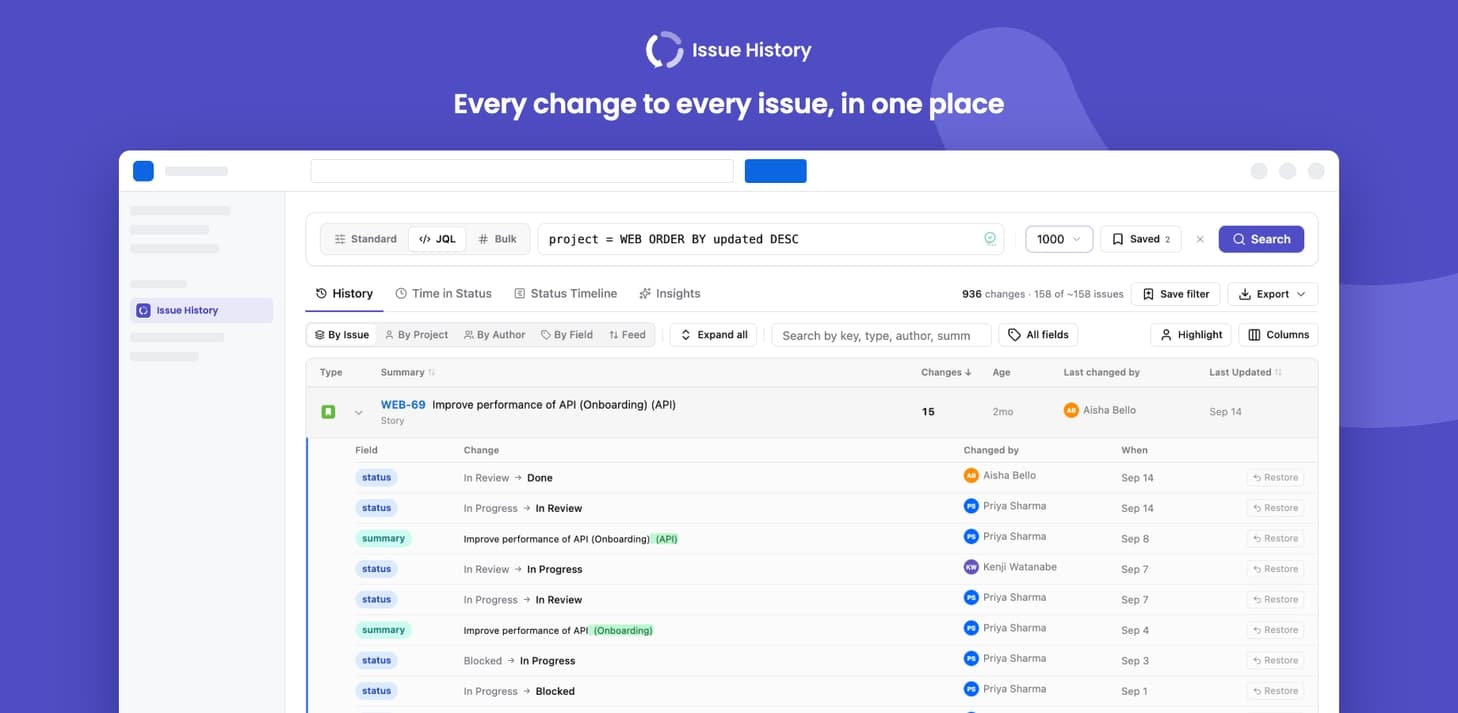
Every change to every issue, time in status and insights, in one place
Search the complete change history of your Jira issues, see how long work spends in each status, and spot stuck work, rework and SLA breaches. It runs entirely on Atlassian Forge, so your issue data never leaves Atlassian.
What Issue History by Yamuno does
Complete change history
Every field change for the issues you choose, by project, sprint, assignee, label, JQL or a list of issue keys
Time in status
Median and 85th-percentile time per status, per-issue breakdowns, business hours and SLA thresholds
Status timeline
Each issue's journey through your workflow on one timeline, coloured by status category
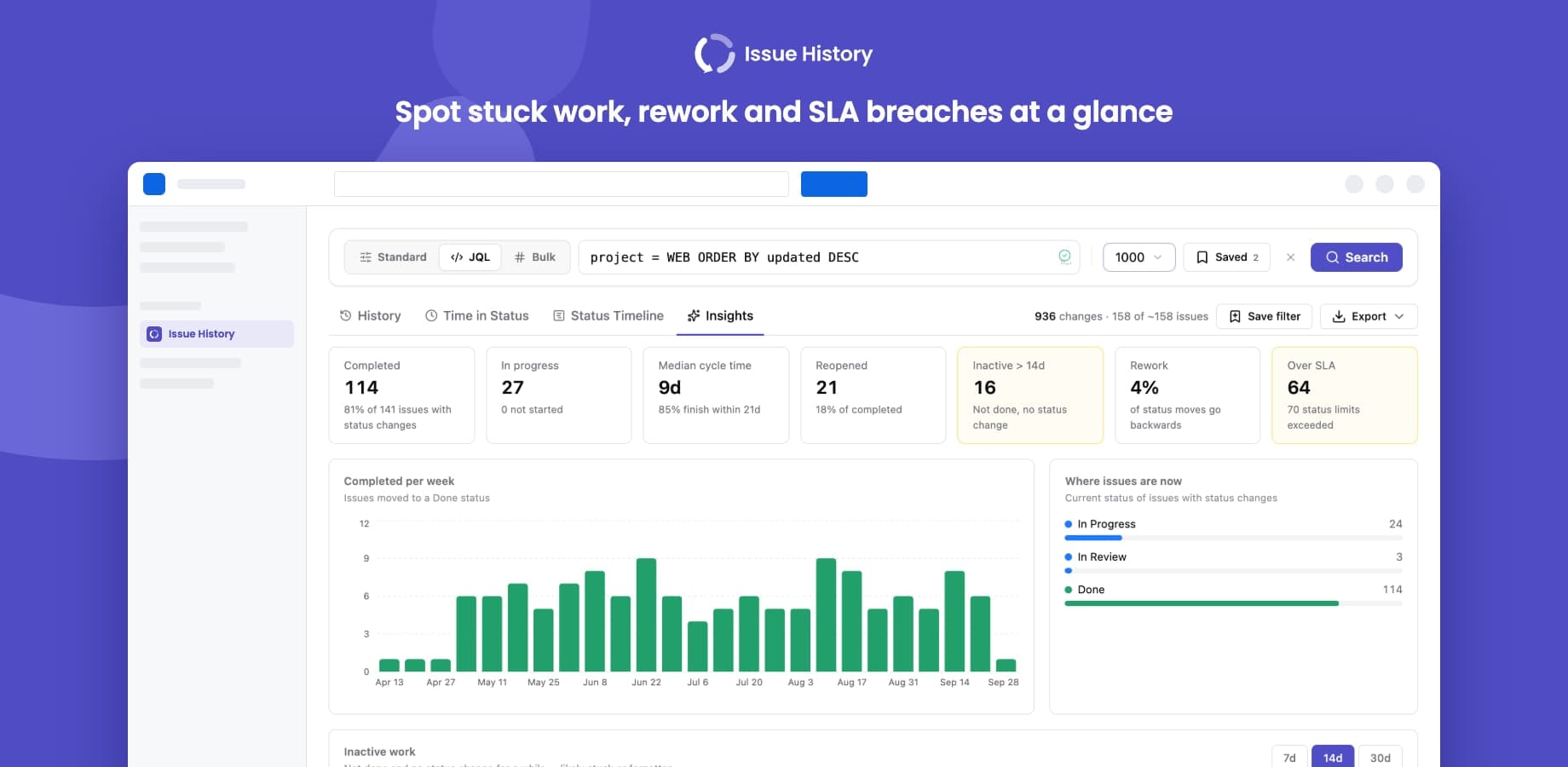
Insights
Cycle time, weekly throughput, inactive work, reopened issues, rework and SLA breaches
Issue Insights in every issue
A tab in each issue's Activity section with time in status, the status timeline and every change
PDF, Excel and CSV exports
Branded PDF reports with your logo, plus Excel and CSV for further analysis
Word-level diffs and Restore
See exactly what changed in summaries and descriptions, and put status, assignee, priority or summary back
Saved and recent searches
Private bookmarks and your last searches, one click away
What changes for your team
- Answer "who changed this, and when?" for any set of issues in one search instead of opening each issue's History tab
- See how long work really sits in each status, with medians and the time 85% of visits finish within, not averages skewed by one stuck issue
- Find stuck work before stand-up: issues that are not done and have had no status change for 7, 14 or 30 days
- Measure rework and reopened issues from the history Jira already records, with no extra fields or workflow changes
- Flag SLA breaches per status, in calendar time or business hours
- Share a branded PDF, Excel or CSV report with stakeholders who don't use Jira
Questionsabout Issue History by YamunoAsk us something else
Not out yet.
It is on the way to the Atlassian Marketplace. Tell us what you need from it and we will factor that in.