


.png&w=64&q=75)
Getting Started with Issue History by Yamuno
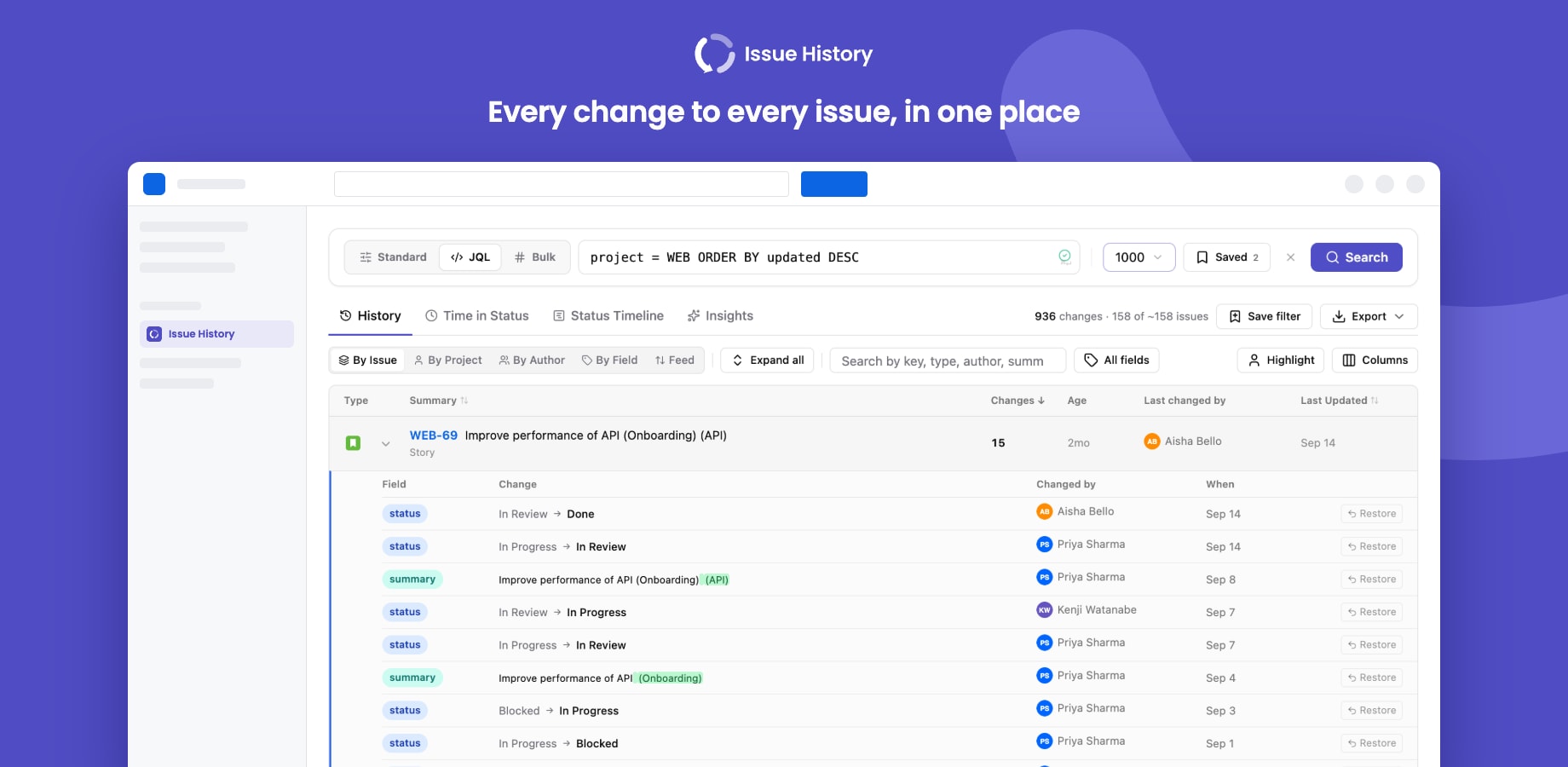
Issue History by Yamuno shows the complete change history of your Jira issues in one place: every field change, how long work spends in each status, and where work gets stuck. It runs entirely on Atlassian Forge and declares no egress, so your issue data never leaves Atlassian.
Where to find it
After installation the app appears in three places:
| Where | What it's for |
|---|---|
| Apps → Issue History | The main page: search, Time in Status, Status Timeline, Insights and exports across many issues |
| An issue → Activity → Issue Insights | History, time in status and the status timeline for that one issue |
| Apps → Manage apps → Get started | A short welcome page with first steps and links to settings |
Your first search
- Open Apps → Issue History.
- Pick a project (and optionally sprints, issue types, assignees, reporters, labels or groups), and a date range.
- Click Search.
Every field change comes back grouped by issue, with who made it and when. Use the tabs to switch between History, Time in Status, Status Timeline and Insights.
Prefer JQL? Switch to JQL mode and type any query. Have a list of issues? Switch to Bulk and paste the keys.
Permissions and data
- Every request runs as the signed-in user, so people only see history for issues they can already browse in Jira.
- The app reads Jira's own changelog. It does not copy your issues anywhere.
- The only data it stores is each user's saved searches, recent searches and settings, in Atlassian's Forge storage.
Next steps
- Quick start: a guided first ten minutes
- Features: everything the app can do