


.png&w=64&q=75)
Status Timeline
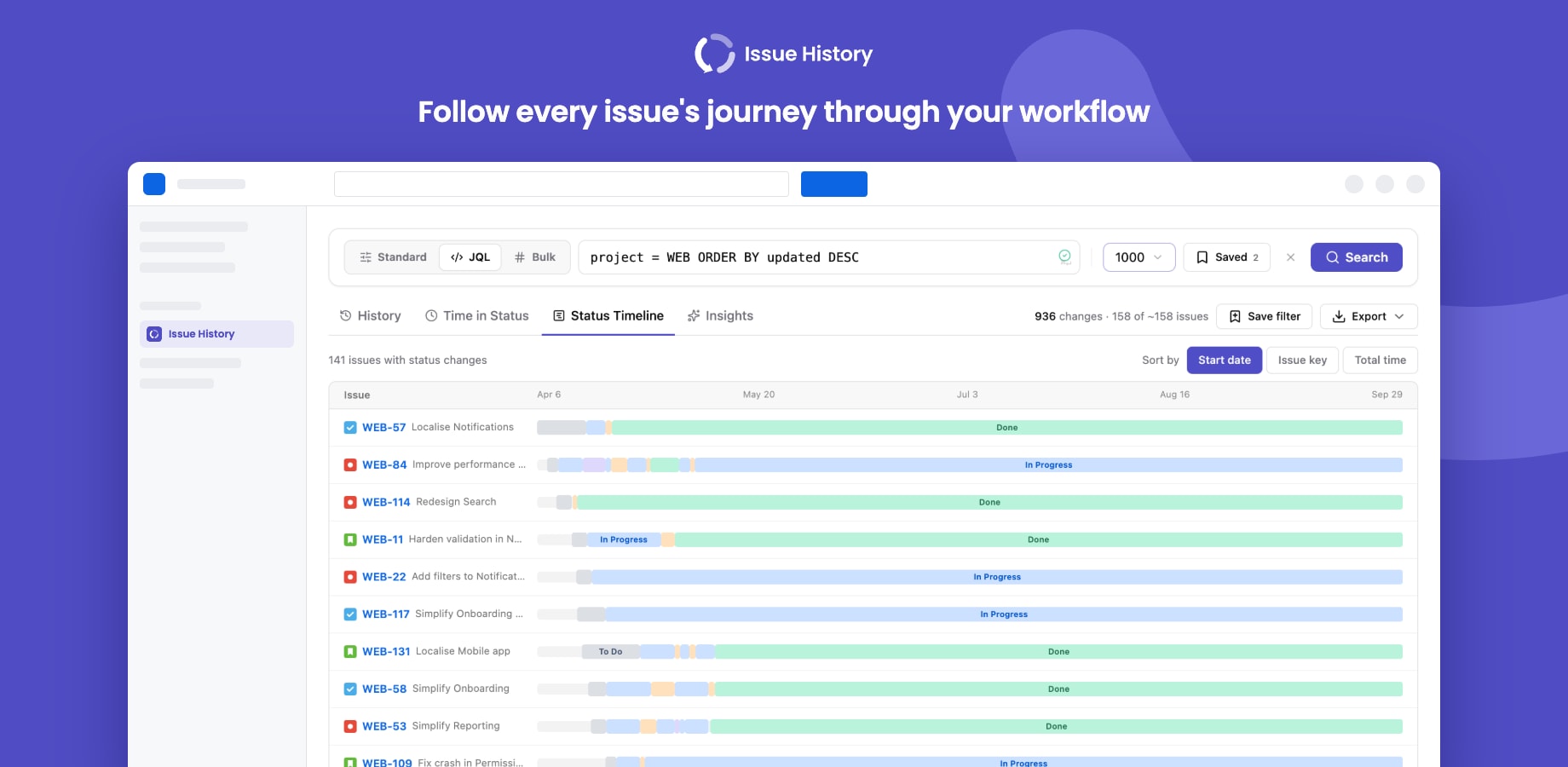
Each row is one issue; each segment is the time it spent in a status. Hover a segment for the status and its duration.
- Colours follow status categories: greys for To Do, blues and purples for In Progress, greens for Done. Every status gets its own shade, so custom statuses stay distinct.
- Sort by start date, issue key or total time. The default is set in Settings → Analysis.
- The first 50 issues are drawn; click Show all for the rest.