


.png&w=64&q=75)
Exports
Click Export above the results.
CSV
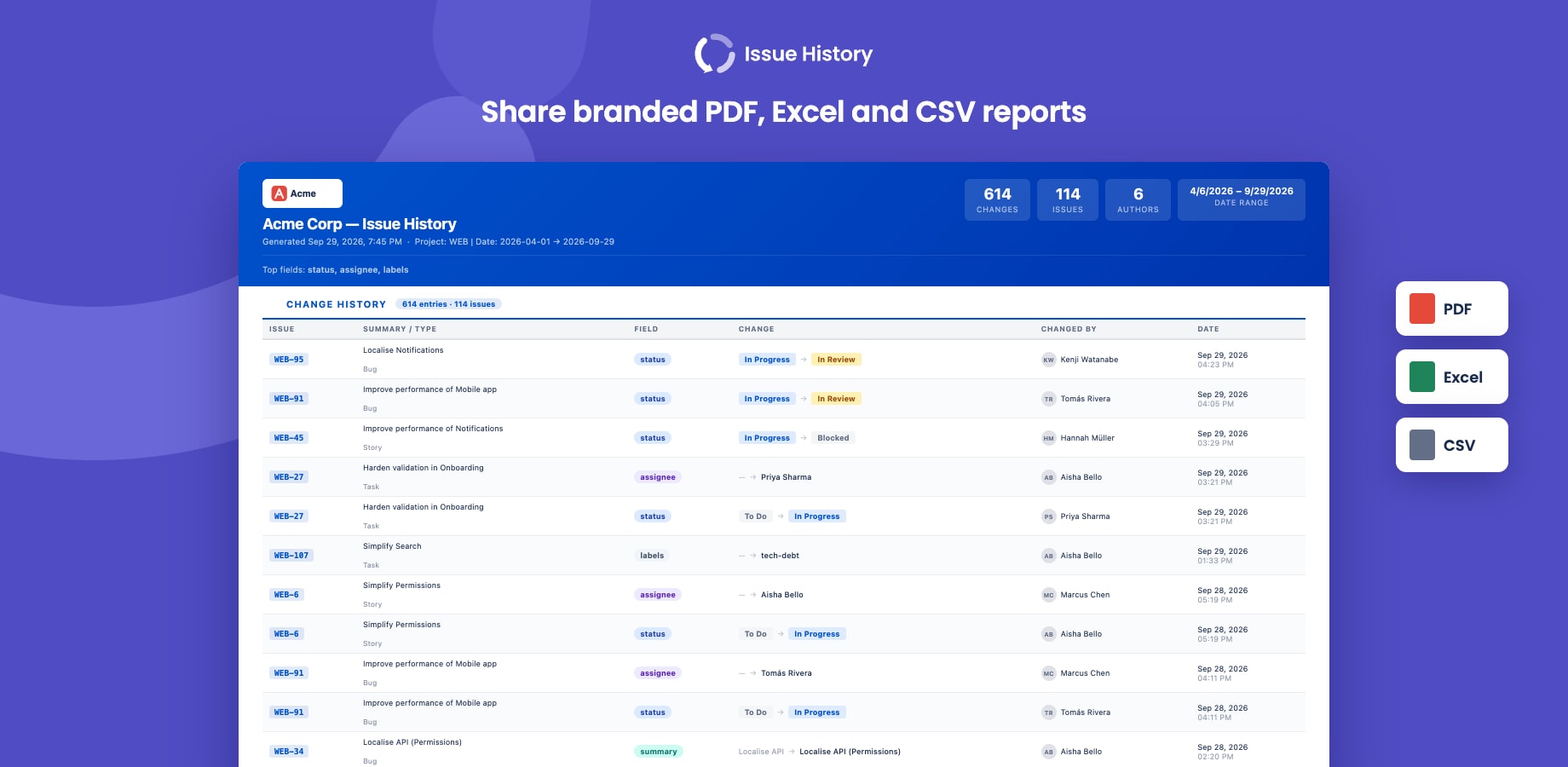
One row per change: issue key, summary, issue type, field, from, to, changed by and date. Every cell is quoted, and values that spreadsheet apps would run as formulas are prefixed so they display as text. Delimiter, date format and metadata rows are set in Settings → Export → CSV.
Excel
A workbook with three sheets: History, Time in Status (median, 85% within, average, visits, total, and SLA columns) and Status Timeline.
A formatted report you save as PDF from your browser's print dialog. Choose which sections to include when exporting. In Settings → Export → PDF you can:
- add your company name and logo
- pick a template (Professional, Executive, Compact, Clean, Warm) and adjust colour, header, font size, density, paper size and orientation
- save your own templates