


.png&w=64&q=75)
Features
Discover the powerful features of LaTeX Math for Confluence that make mathematical equation editing seamless and professional.
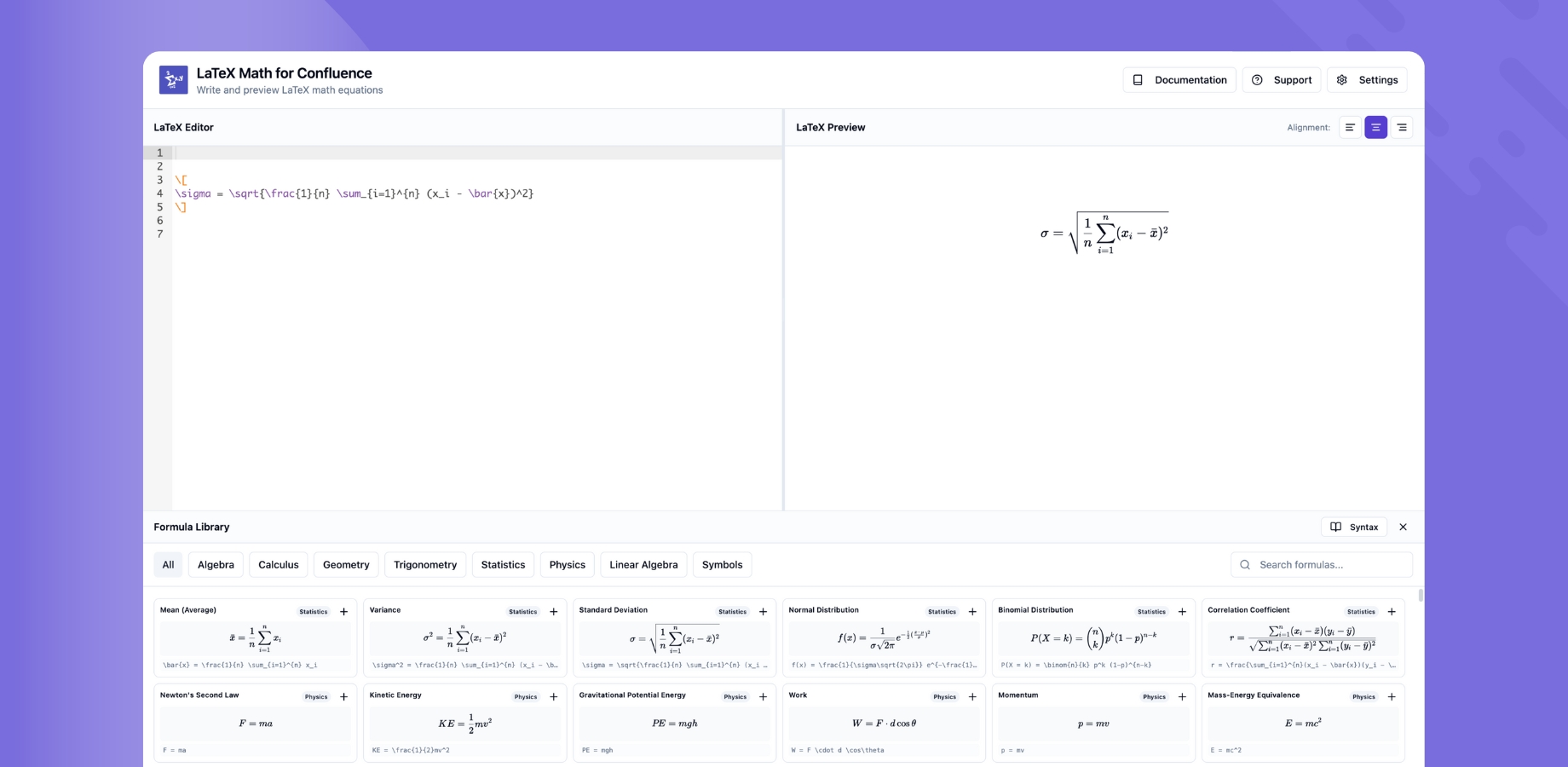
Core Features
Adding Macros
Learn how to add LaTeX Math macros to your Confluence pages using the /latex slash command.
Inline Macro
Embed mathematical equations directly within text for inline expressions like formulas and variables.
Block Macro
Display standalone mathematical equations with proper spacing and formatting for complex expressions.
Live Preview
See your equations render in real-time as you type, ensuring accuracy before publishing.
Dark Mode Support
Automatic theme detection that renders equations beautifully in both light and dark modes.
Export Support
LaTeX Math for Confluence equations are fully compatible with Confluence's built-in export functionality:
- PDF Export — Equations render correctly in exported PDFs, exactly as they appear on the page.
- Word Export — Equations are included in Word (.docx) exports.
No extra configuration is needed — exports work out of the box.
Quick Start: Check out our Getting Started Guide to begin using these features right away.