


.png&w=64&q=75)
Tools
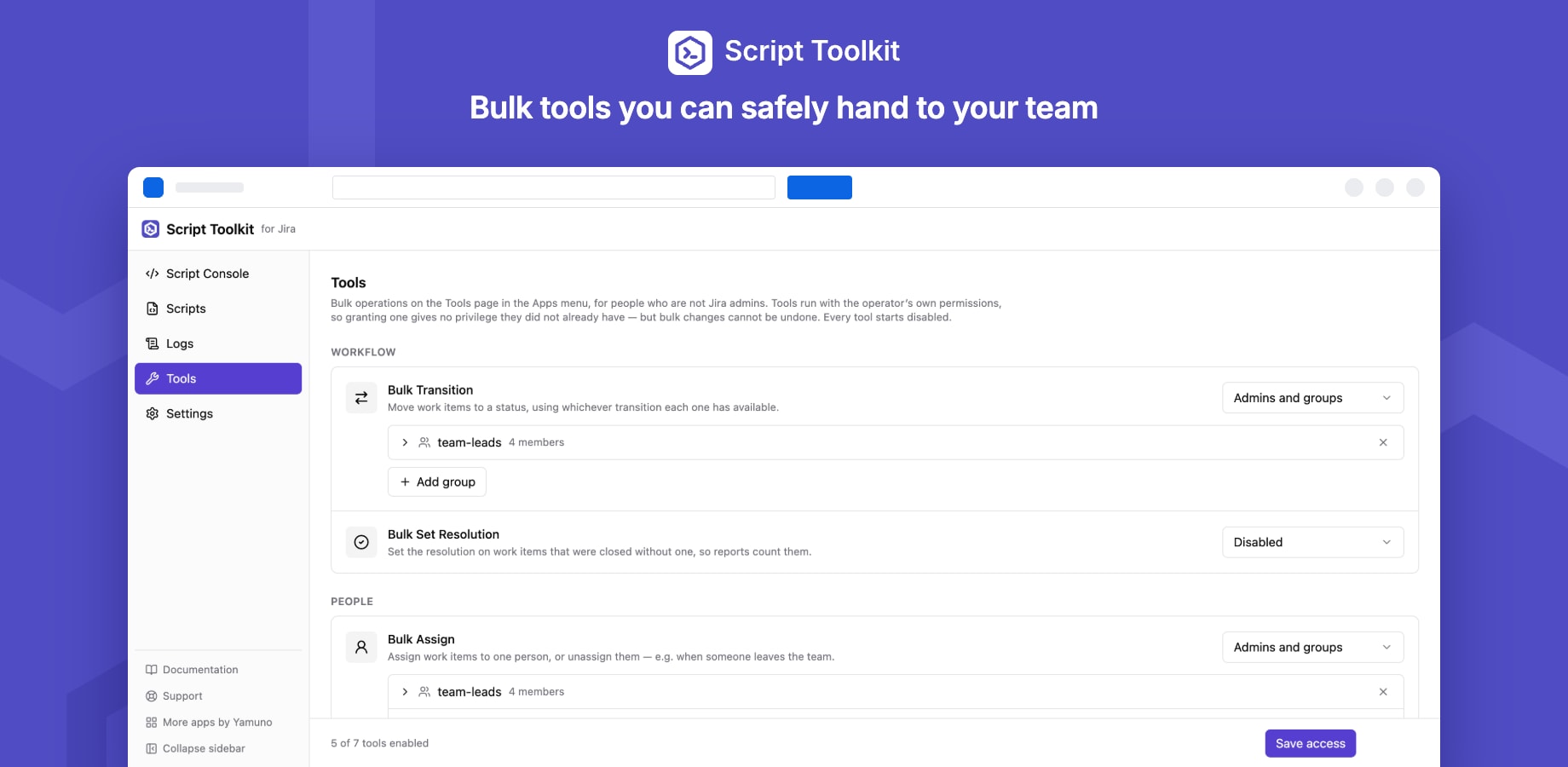
Tools are ready-made bulk operations on work items. You decide who may use each one, so team leads and support staff can make bulk changes without being Jira admins.
The tools
| Tool | What it does |
|---|---|
| Bulk Transition | Move work items to a status, using whichever transition each one has available |
| Bulk Set Resolution | Set the resolution on work items closed without one, so reports count them |
| Bulk Assign | Assign work items to one person, or unassign them |
| Bulk Add Comment | Post the same comment on every matching work item |
| Bulk Edit Labels | Add and remove labels, leaving other labels in place |
| Bulk Set Priority | Set the priority on many work items at once |
| Copy Custom Field Values | Copy one custom field into another of the same type |
Who can use them
In Jira settings → Apps → Script Toolkit → Tools, set each tool's access:
| Access | Who sees it |
|---|---|
| Disabled (default) | Nobody |
| Admins only | Jira admins |
| Admins and groups | Jira admins and the groups you choose |
| All users | Everyone who can sign in |
New tools always start disabled. Click Save access to apply.
Running a tool
People open Apps → Script Toolkit Tools, pick a tool, enter a JQL query (it suggests fields and values and flags invalid JQL as you type), and run it on the matching work items, up to 5,000 per run.
- Tools run with the person's own Jira permissions. Access to a tool grants no new rights: someone who can't edit a work item gets an error for that item, not a silent change.
- Progress and a result for each item are shown as the tool runs; failed items say why.
- Bulk changes can't be undone. Check the query's match count before you run.