.png&w=64&q=75)
Colour Themes
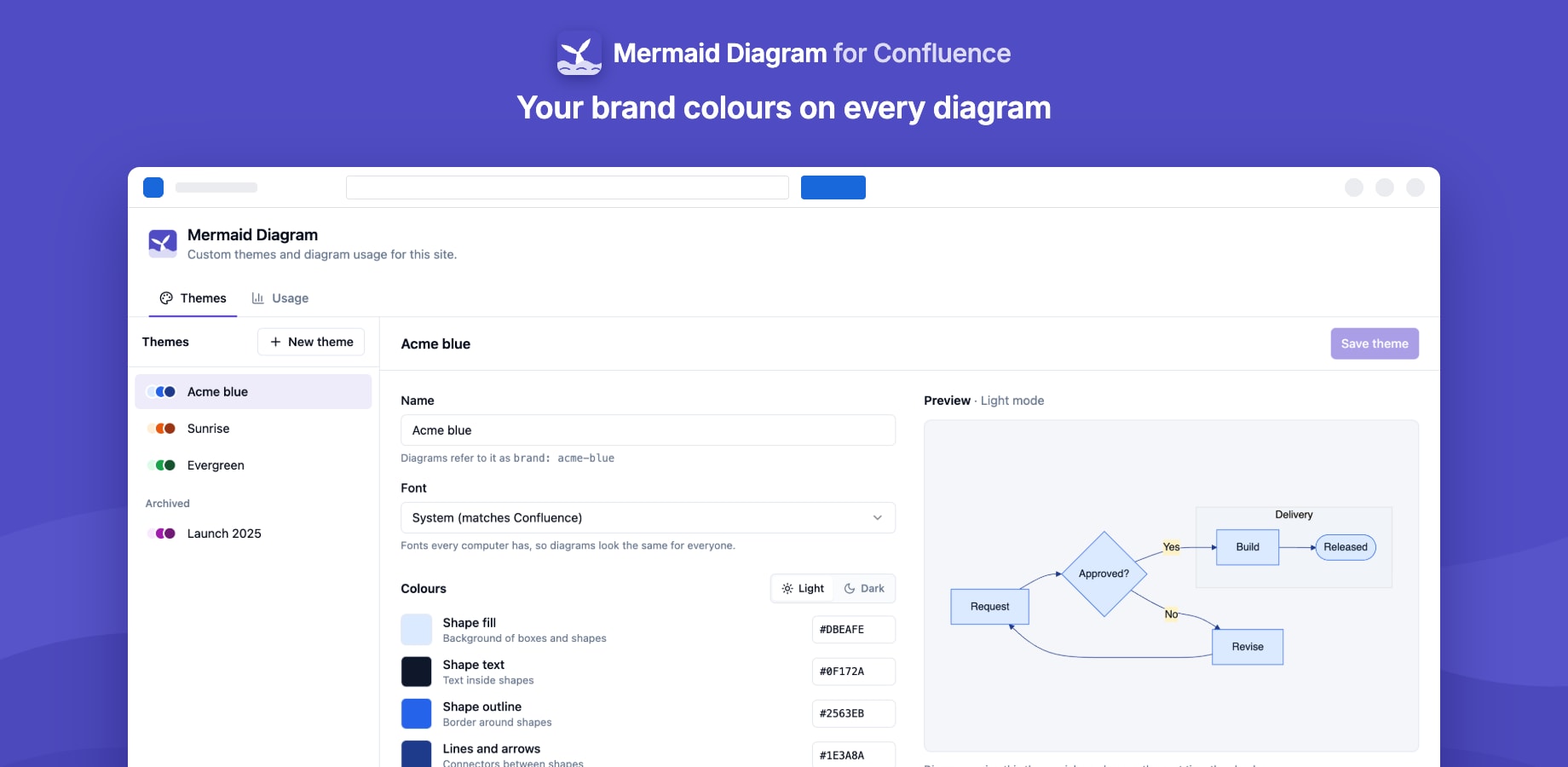
Confluence admins can give every diagram on the site the company's colours.
Creating a theme
- Open Confluence settings → Mermaid Diagram settings → Themes. Admins can also get there from Manage themes in the editor's Theme menu.
- Create a theme and give it a name.
- Pick the colours for boxes, text, borders, lines and the secondary and tertiary fills. A live preview shows the result.
- Choose a dark-mode version: generated automatically from your colours, or picked by hand.
Using a theme
Custom themes appear first in every editor's Theme menu. A diagram with a custom theme follows each reader's Confluence colour mode, using the theme's dark-mode version in dark mode.
Archiving
Archive a theme to hide it from the Theme menu. Diagrams that already use it keep its colours.