


.png&w=64&q=75)
Mermaid Code Blocks
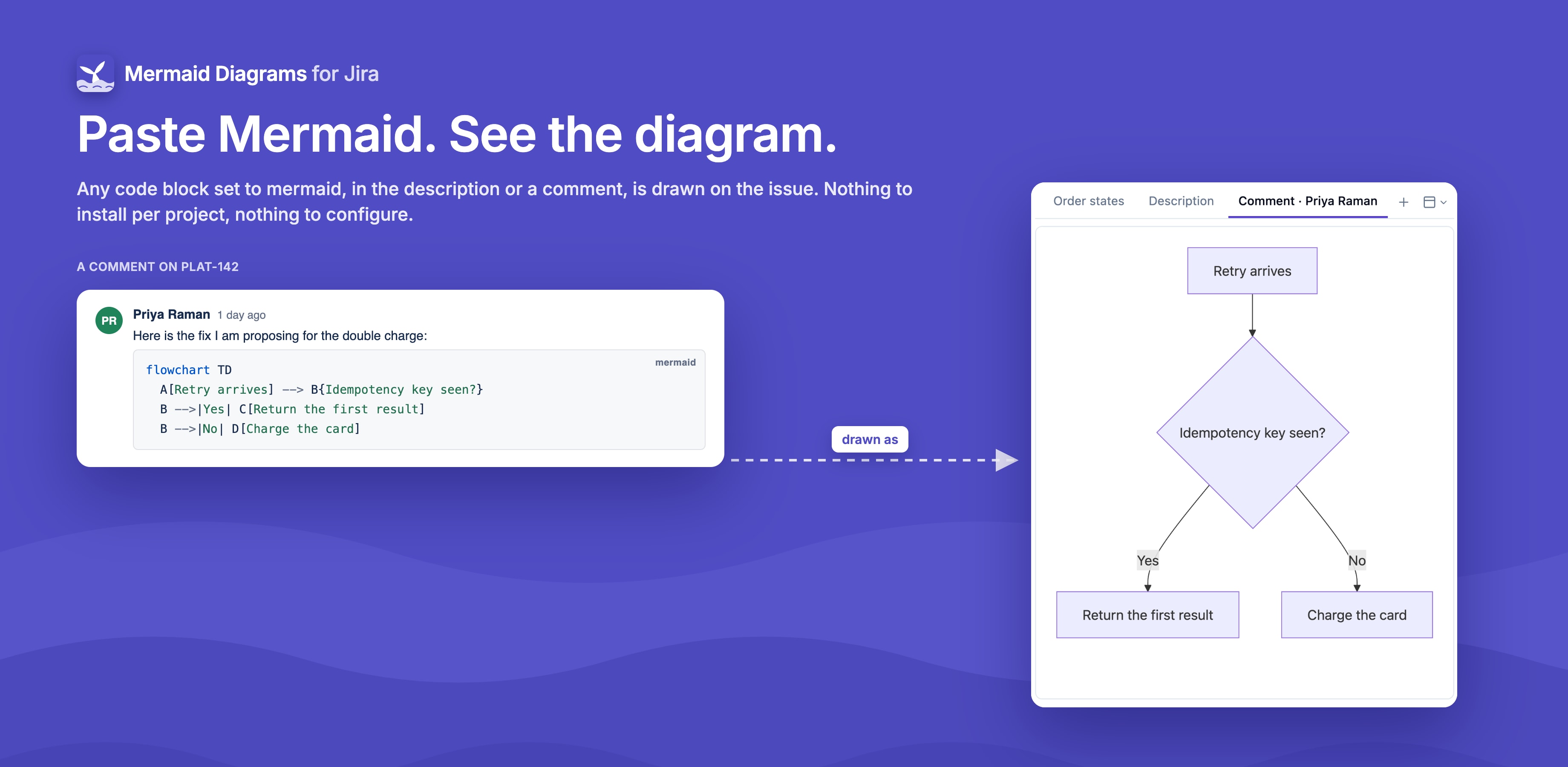
People often paste Mermaid into tickets. Mermaid Diagrams for Jira draws it for them: every code block whose language is mermaid, in the description or in any comment, appears in the issue's Mermaid diagrams section. There's nothing to set up.
Adding one
In the description or a comment, insert a code block (type three backticks) and set its language to mermaid. Then write the diagram:
sequenceDiagram
    Checkout->>Payment API: Charge order 8841
    Payment API-->>Checkout: Timeout
How they appear
- Each code block becomes its own diagram, labelled "Description" or "Comment · author" with the comment's date.
- They're read-only in the app. To change one, edit the description or comment in Jira.
- A diagram from a comment has Go to comment in its toolbar.
- You only see code blocks from comments you're allowed to see. The count on the collapsed section leaves out comments restricted to a group or role.
Themes and options
Front matter works in code blocks too, for example a custom theme:
---
brand: northwind
---
flowchart LR
    A[Pending] --> B[Paid]
Find a theme's id on the themes page.