Get up and running with HTML Macro for Confluence in just a few steps.
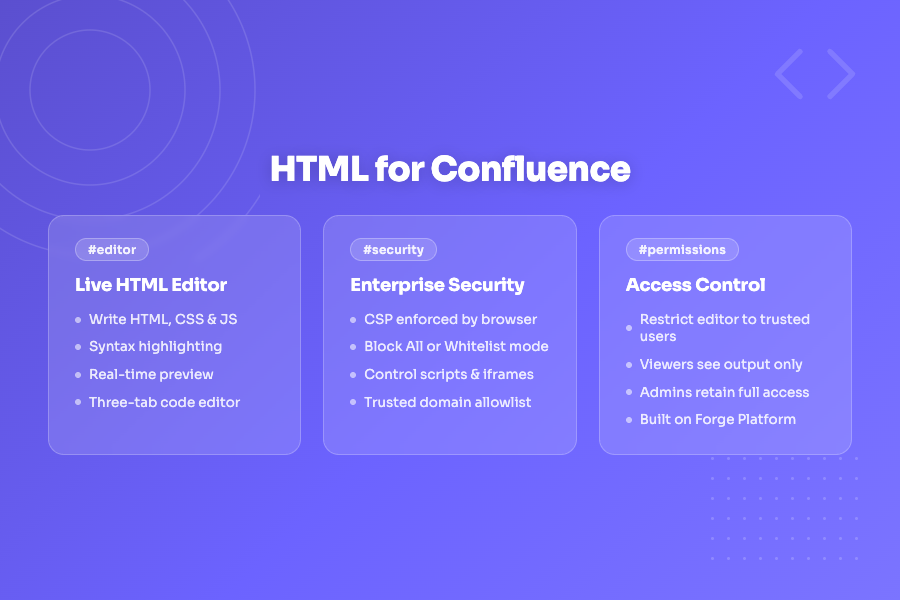
HTML Macro for Confluence lets you embed fully custom HTML, CSS, and JavaScript directly inside any Confluence page. Build rich interactive widgets, branded layouts, data visualisations, embedded content, and more — without leaving Confluence.
Install HTML Macro for Confluence from the Atlassian Marketplace. See the Installation Guide for step-by-step instructions.
/html
The editor has three tabs — HTML, CSS, and JavaScript. Write your content across any combination of tabs and see it rendered live in the preview pane on the right.
Simple example:
<div class="card">
  <h2>Hello, Confluence!</h2>
  <p>This is custom HTML rendered inside a Confluence page.</p>
</div>
.card {
  background: #f4f5f7;
  border-radius: 8px;
  padding: 24px;
  font-family: -apple-system, sans-serif;
}
Click Save in the bottom toolbar. Your HTML is saved to the macro configuration and will render for every visitor to that page.