Discover the powerful features of LaTeX Math for Confluence that make mathematical equation editing seamless and professional.
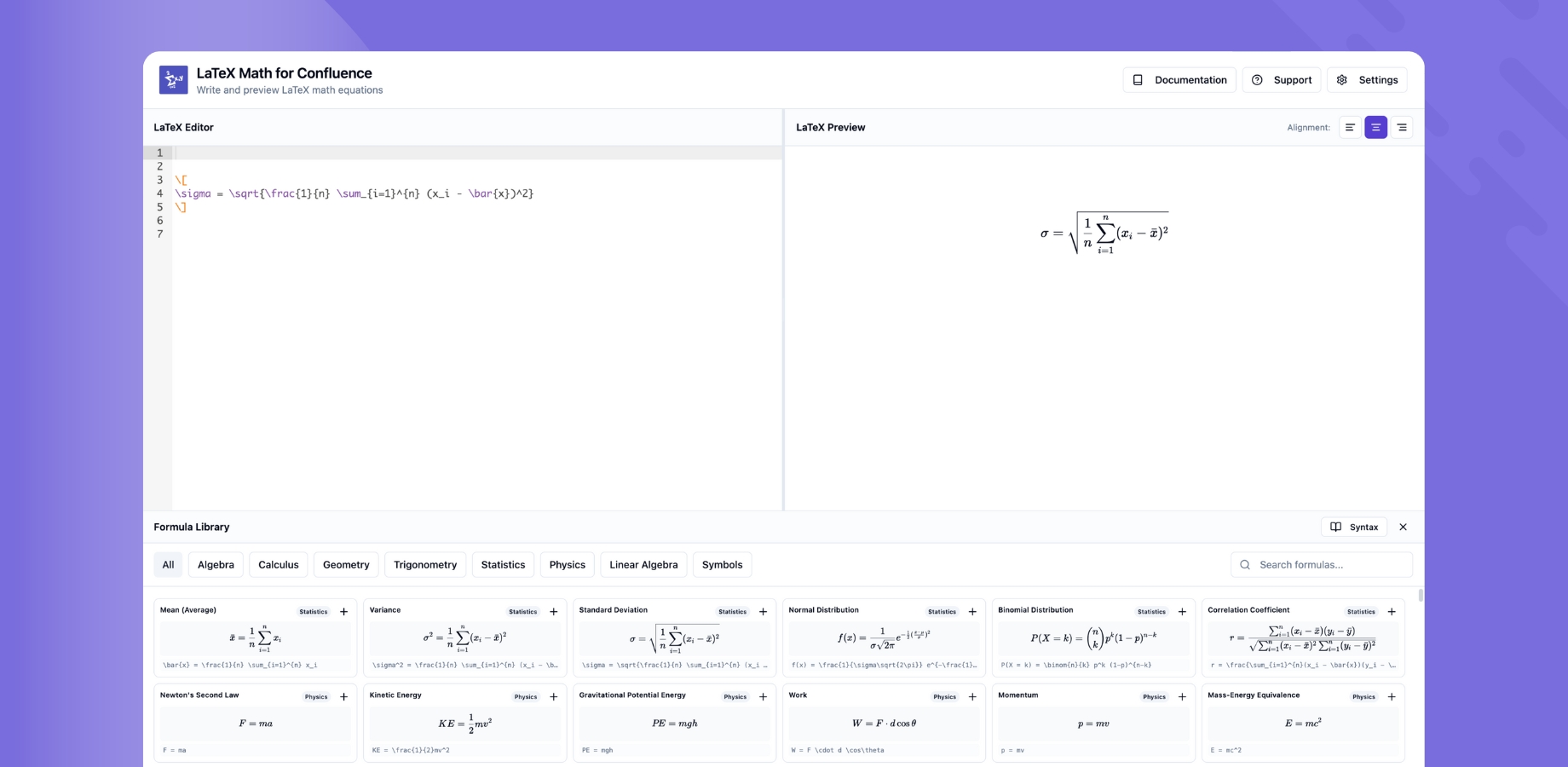
Learn how to add LaTeX Math macros to your Confluence pages using the /latex slash command.
Embed mathematical equations directly within text for inline expressions like formulas and variables.
Display standalone mathematical equations with proper spacing and formatting for complex expressions.
See your equations render in real-time as you type, ensuring accuracy before publishing.
Automatic theme detection that renders equations beautifully in both light and dark modes.
LaTeX Math for Confluence equations are fully compatible with Confluence's built-in export functionality:
No extra configuration is needed — exports work out of the box.
Quick Start: Check out our Getting Started Guide to begin using these features right away.