.png&w=48&q=75)
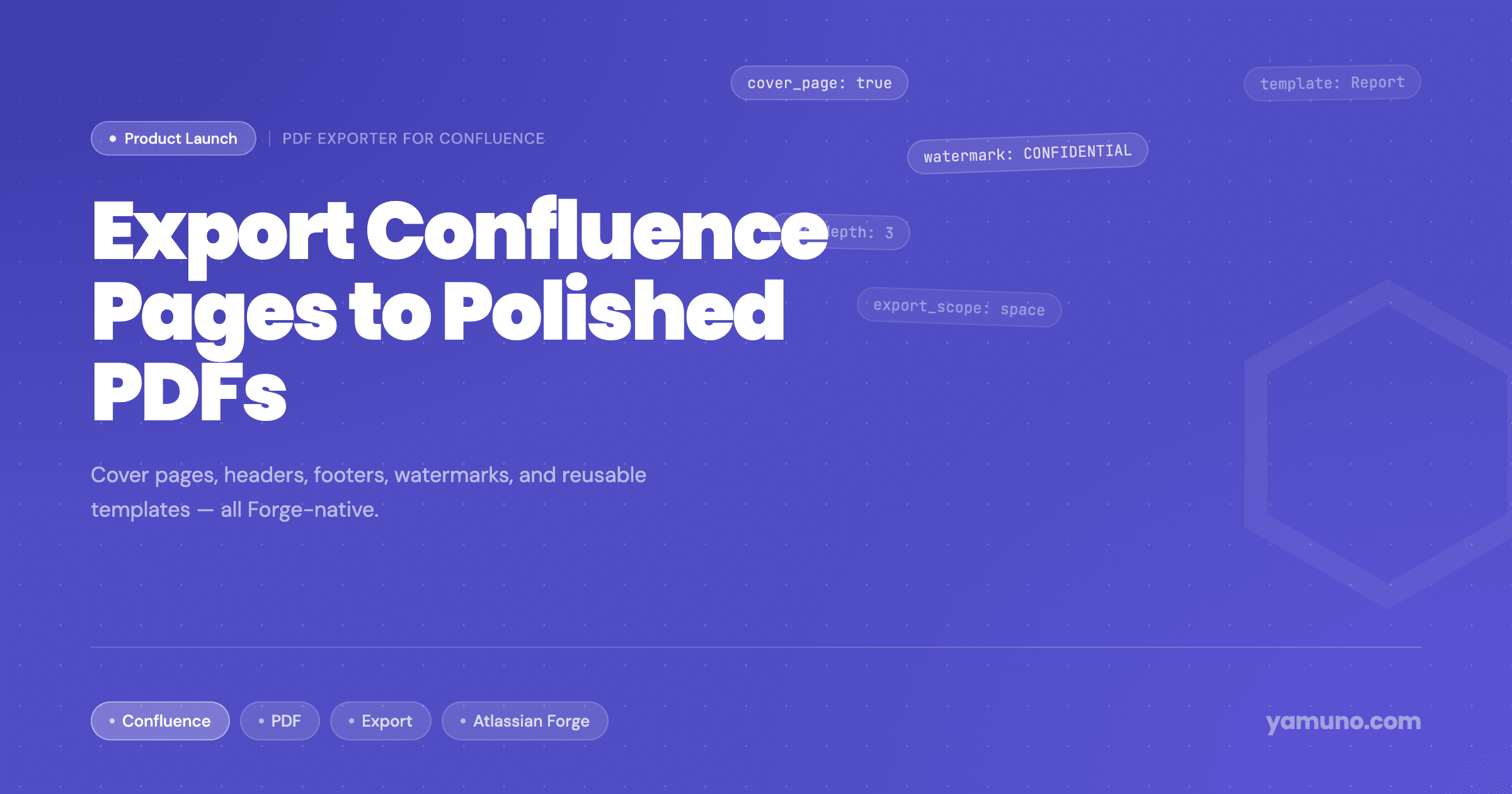
Introducing PDF Exporter for Confluence
Updated October 2026 to cover the drag-and-drop cover designer, merged PDF output and the other features added since launch.
PDF Exporter for Confluence is now available on the Atlassian Marketplace.
Confluence Cloud can already export to PDF. A single page exports from the page menu, and space admins can export a space to one PDF. Branding that output means editing HTML and CSS in space settings, and those customizations only apply to space exports. For teams that regularly send documentation to clients, stakeholders or auditors, that is a lot of effort for every format they need. (For the details, see what Confluence's built-in PDF export can't do.)
PDF Exporter gives you the same control through templates you set up once with toggles and pickers.
What Is PDF Exporter for Confluence?
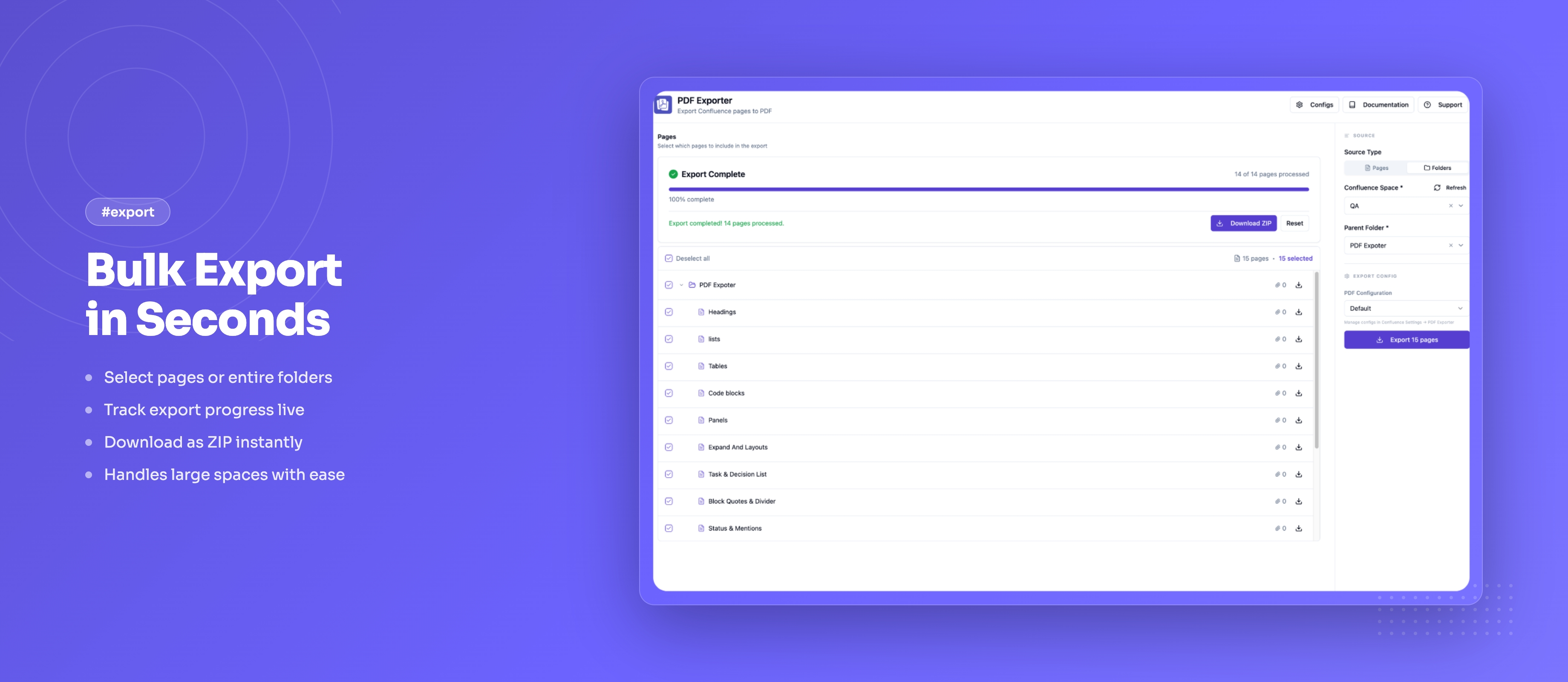
PDF Exporter is a Confluence Cloud app built on Atlassian Forge. It exports a single page, a page tree or a whole space to a formatted PDF without leaving Confluence. Small exports are built in your browser and download straight away. Large ones run in the background on Atlassian's servers and wait for you in My exports, and since October 2026 you can also schedule exports and start them from a REST API.
Key Features
Single Page, Page Tree, or Whole Space
Pick pages by ticking them in a page tree of the current space:
- Single page: export one page. The Export to PDF link under the page title opens a compact dialog with a live preview of the PDF.
- Page tree: tick a parent page and its children are included. Untick any child you want to leave out.
- Whole space: tick the pages at the top of the tree to cover the space.
One Merged PDF or a ZIP
When you export more than one page, choose the output:
- One merged PDF: every selected page in one document, with one table of contents, continuous page numbers and links between pages that jump to the right place.
- Separate PDFs (ZIP): one PDF per page, bundled into a ZIP file.
Reusable Templates
Admins create templates in Confluence Settings → PDF Exporter. A template stores page size, orientation, font size, cover page, header, footer, page numbers, watermark, table of contents, page breaks and PDF bookmarks, plus styling for headings, body text, links, tables and code blocks. Users pick a template from a dropdown when they export. See how to create custom PDF templates in Confluence.
Cover Pages
Choose one of nine ready-made cover designs (Classic, Corporate, Modern, Executive, Bold, Minimal, Sidebar, Split and Academic) or build your own in the drag-and-drop cover designer, with a background image and up to four images. Subtitle and author accept variables such as {date} and {lastEditedBy}. The cover page guide walks through the options.
Table of Contents and Bookmarks
Turn on the table of contents and the exporter builds it from your headings, one to three levels deep, with entries that link to each section. PDF bookmarks add a navigable outline in the PDF viewer's sidebar.
Headers, Footers, Page Numbers and Watermarks
Add header and footer text, page numbers in three formats, and a text watermark such as DRAFT or CONFIDENTIAL with adjustable opacity. Template text fields accept the variables {title}, {date}, {year} and {lastEditedBy}.
Usage Statistics
A Usage tab on the admin page charts exports and pages per day and shows which outputs people choose. Only counts are kept, with no user or page names.
Who Is It For?
PDF Exporter is built for teams that share documentation outside Confluence:
- Technical writers producing release notes, specs or user guides for external readers
- Solutions engineers sending proposals and handover documents to clients (client export guide)
- Compliance and legal teams producing consistently formatted, watermarked PDFs (compliance guide)
- Project managers sharing status reports with stakeholders who don't use Confluence
Getting Started
- Install the app from the Atlassian Marketplace
- Open a Confluence page and click Export to PDF under the page title, or choose Export to PDF from the ••• (More actions) menu. You can also open the exporter from Apps in the global navigation.
- Tick the pages you want in the page tree
- Choose a template from the dropdown
- For more than one page, choose One merged PDF or Separate PDFs (ZIP)
- Click Export
Admins manage templates from Confluence Settings → PDF Exporter. The full walkthrough is in How to Export Confluence to PDF, and the documentation covers every setting.
Questions or feedback? Reach out via our support portal. We'd like to hear how your team uses it.
.png&w=96&q=75)